Karmiel overnight work project

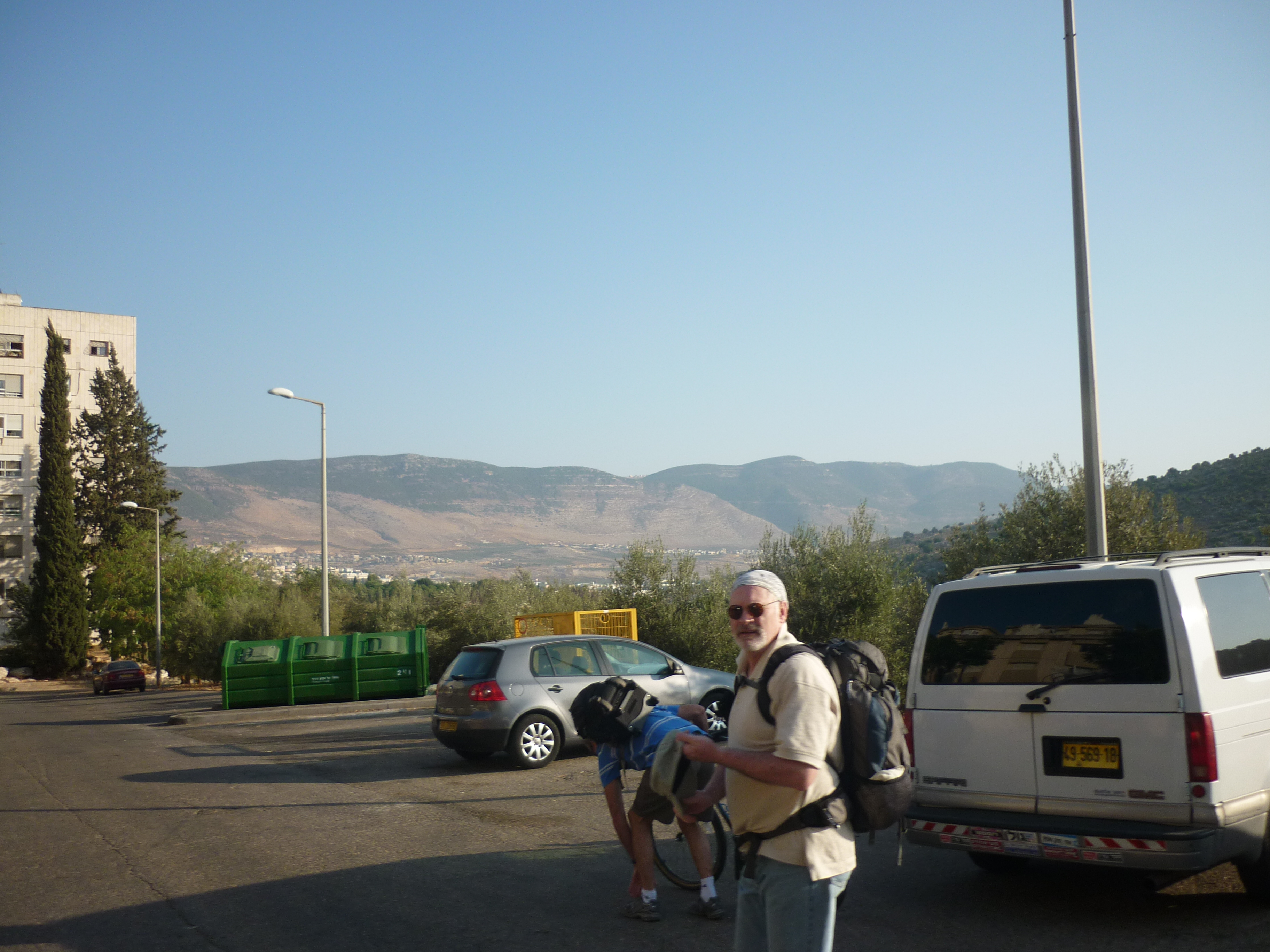
Last week I had to go to our remote site in Karmiel, this required wednesday and thursday away, its a 2.5-3 hour drive away.

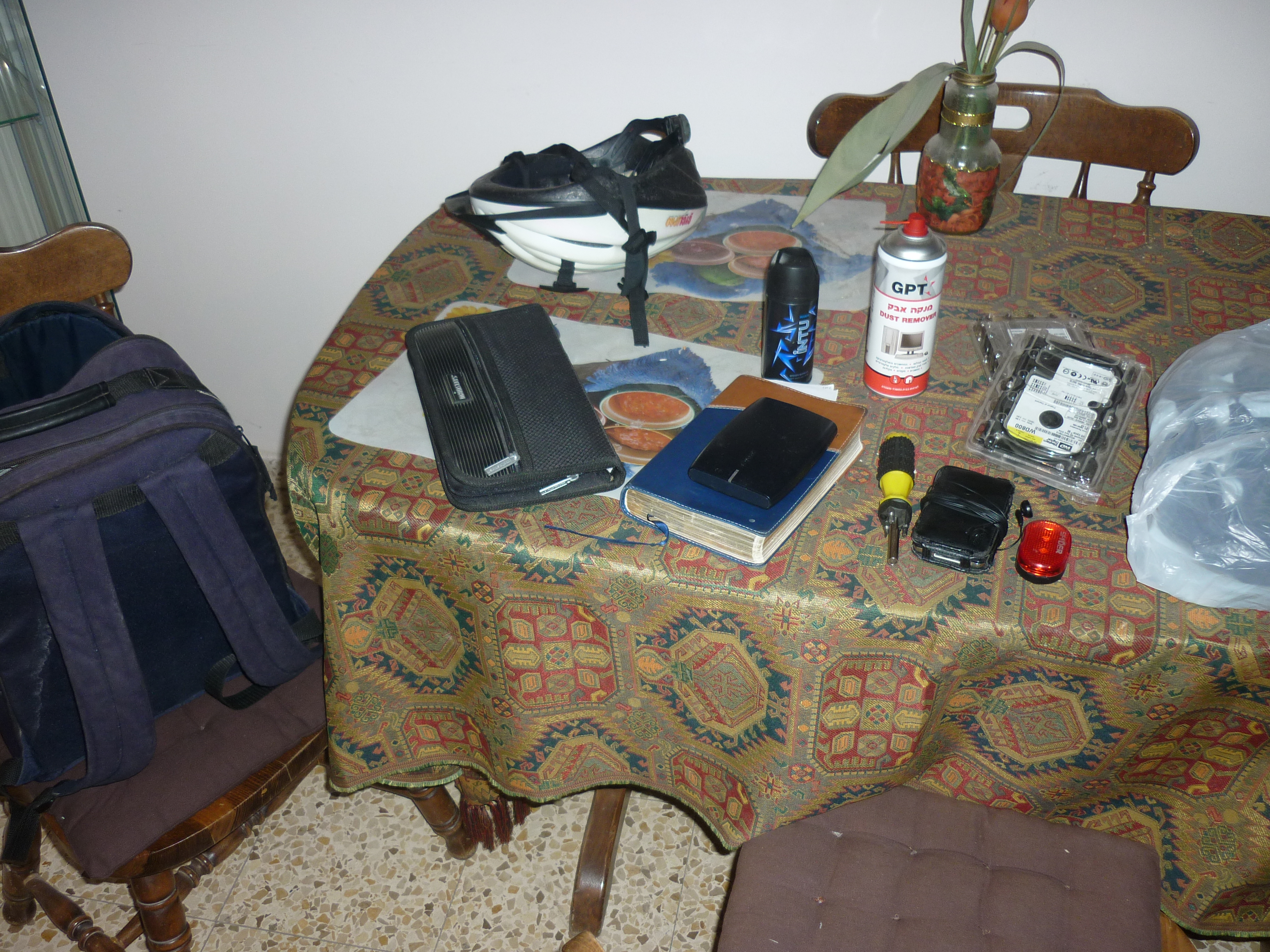
Packing stuff to take.  laptops, tools, CDs, iPod for the long bus journey, overnight bag and clothes.   Think I will make sure there are some tools and CDs already at this site, so there is less to carry in future.

Also my bike helmet and lights as I need to ride to the main station.

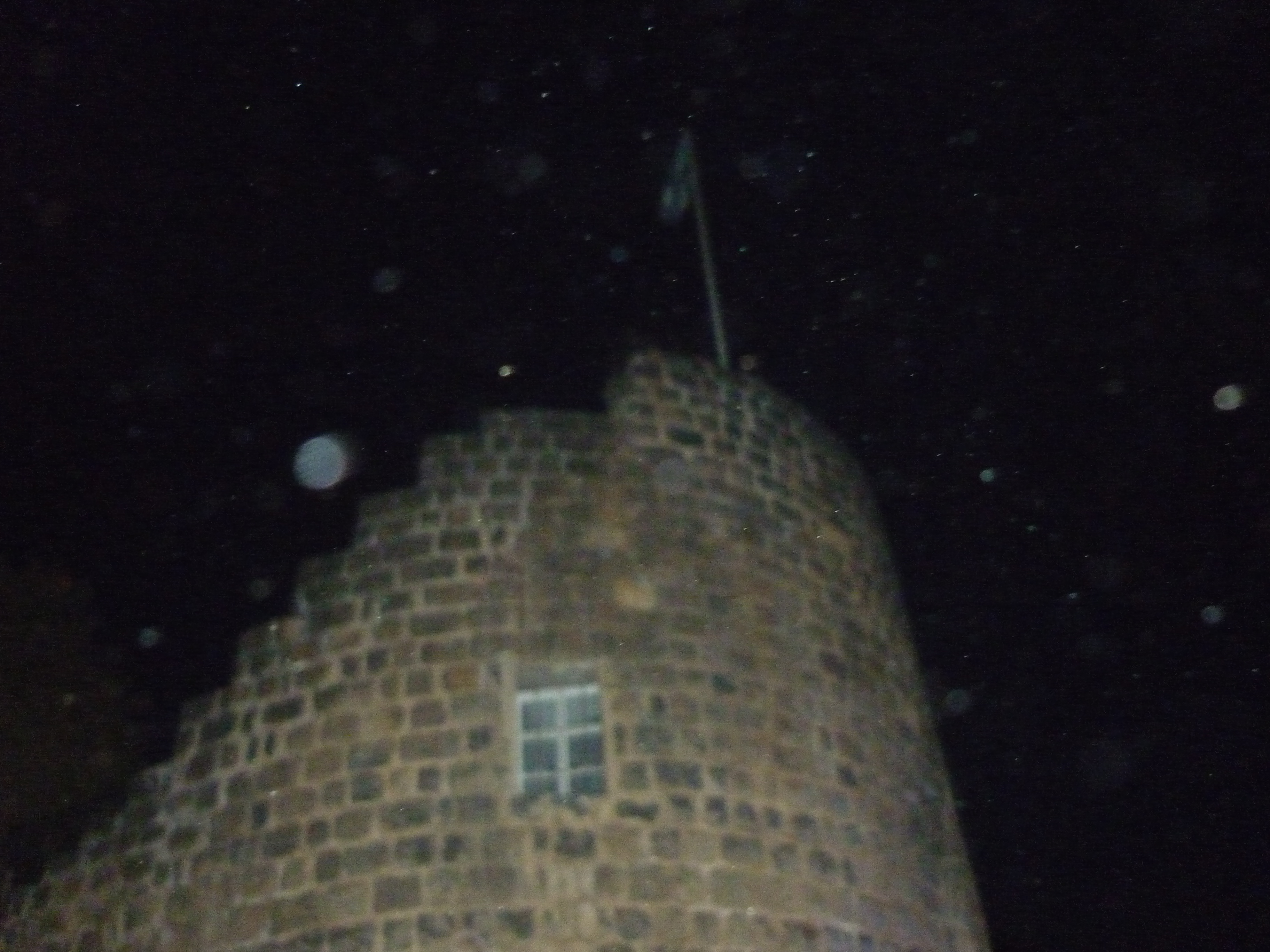
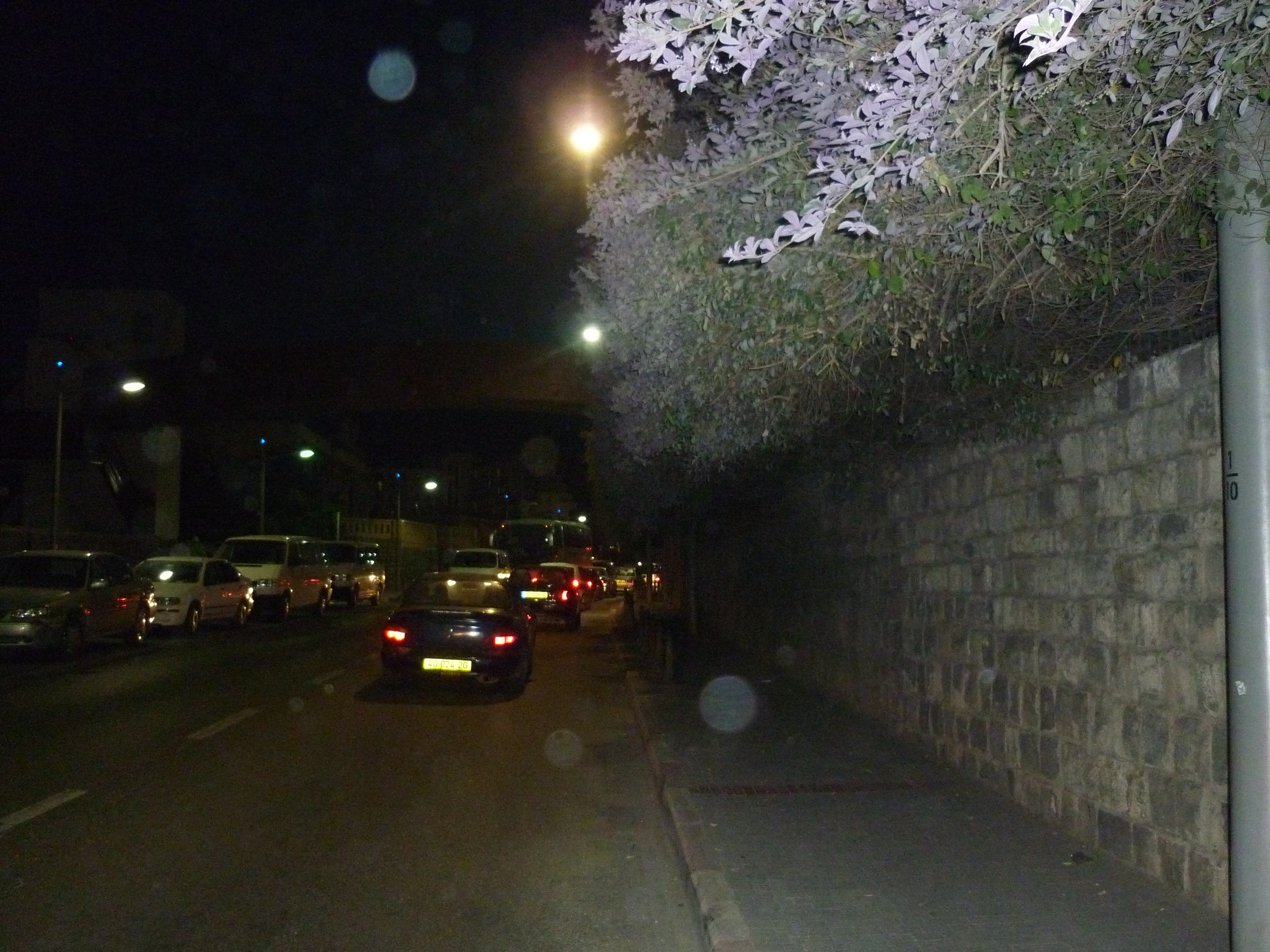
I didn’t get any pictures of Karmiel sadly, as when we finished work it was dark.

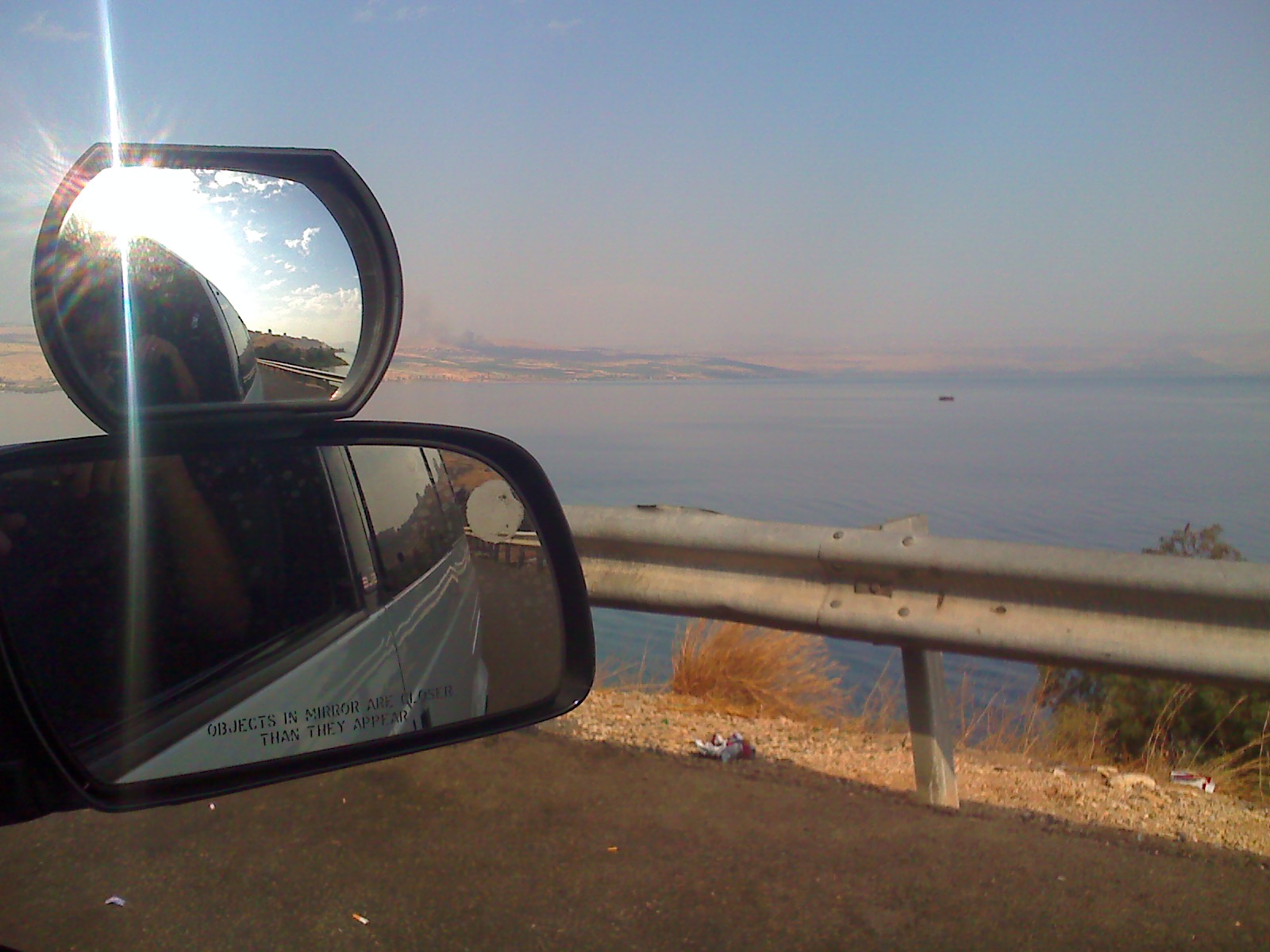
There are these amazing hills that surround this town though, as this picture I got on thursday morning before work shows.

Servers to be patched and updated, unfortunately we hit some snags that meant we need to come back and do this another time.

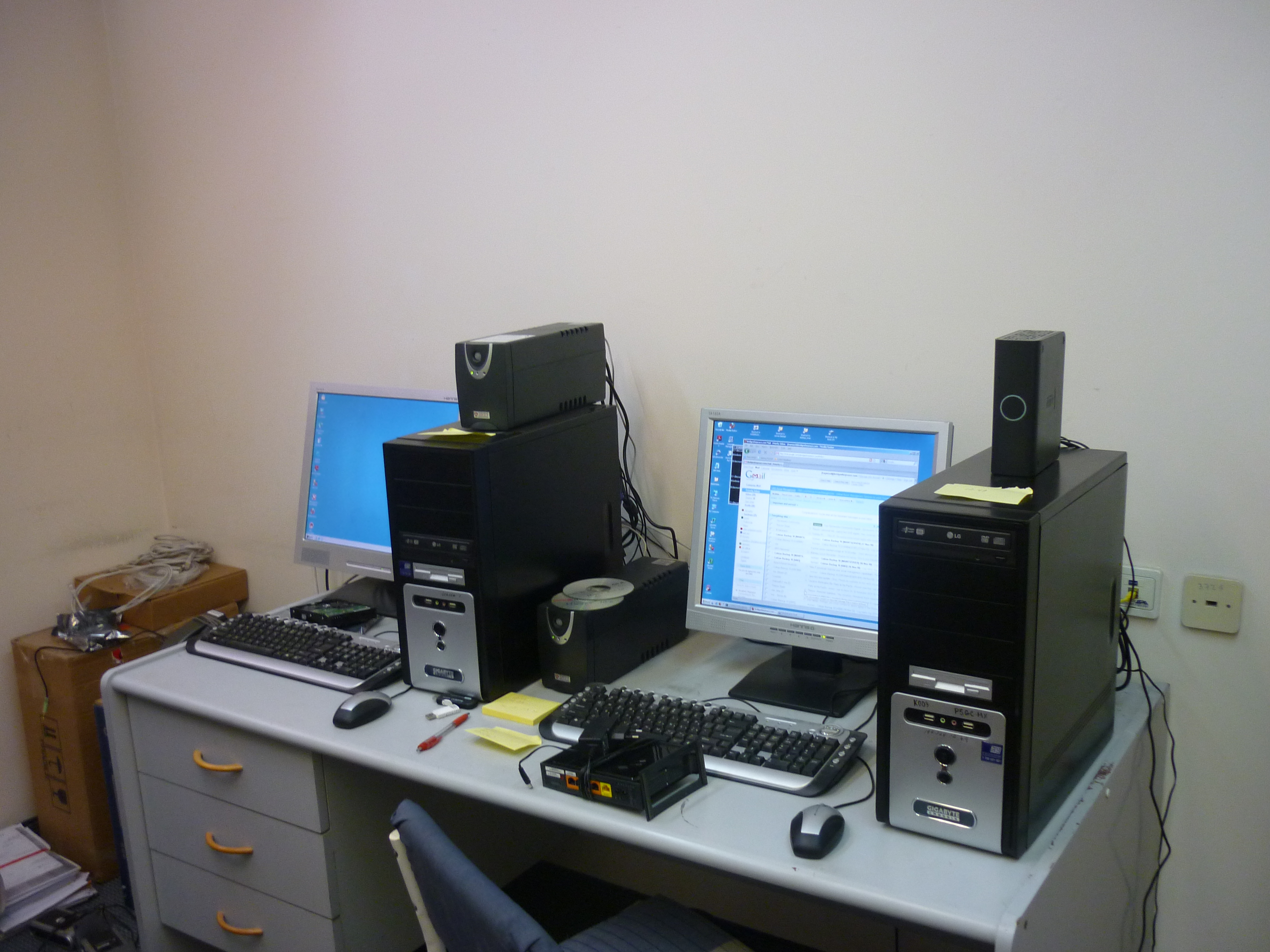
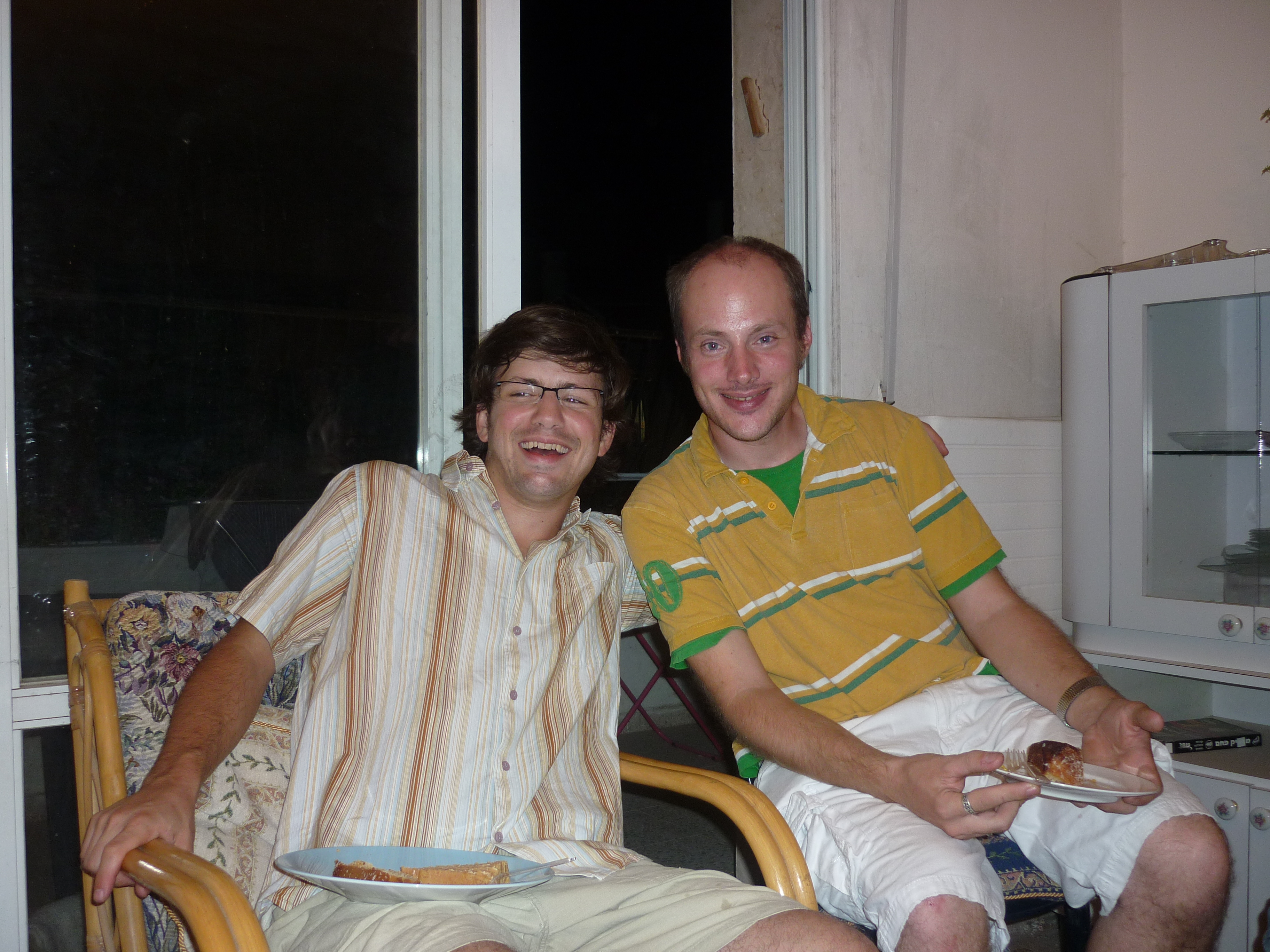
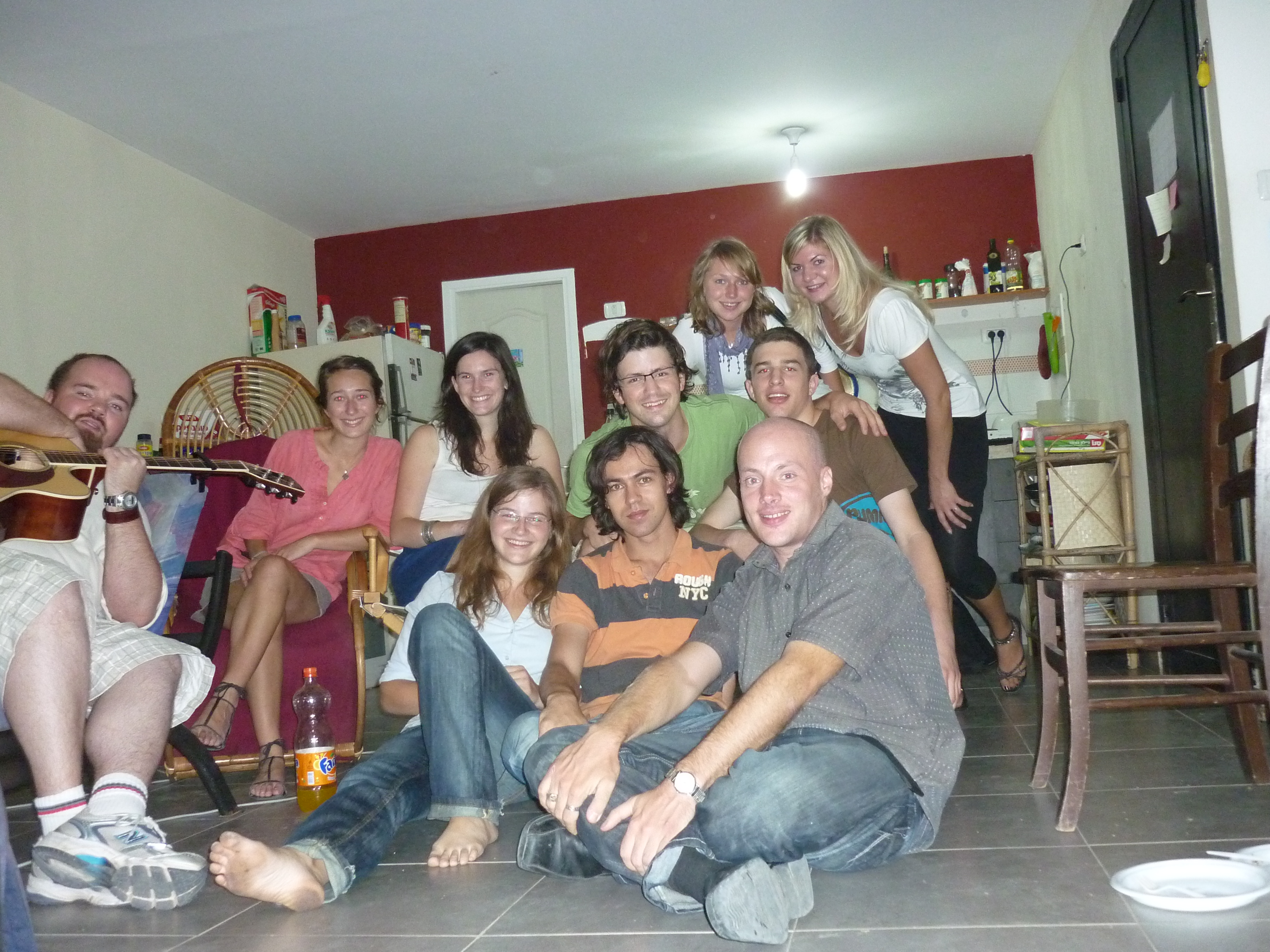
Me and my colleague got lots of small little problems done here, quickly visited a local PC store to get some cooling fans and mice to replace broken ones, and now one of the PCs no longer sounds like an elderly blender.  I managed to set up the remote software (UltraVNC) properly so we can remotely take control of systems from HQ to fix a majority of problems that may happen.   Also managed to write some more documentation and update our software licencing spreadsheet.  Some things like the wireless routers we didn’t have time for, so I took one back with me and I will configure it and have it shipped back.

All these things mean that our staff can carry on feeding poor families without being held back by technical issues.   Its always good to do preventative maintenance that will look out for IT problems than can cause far more trouble if left in the future.

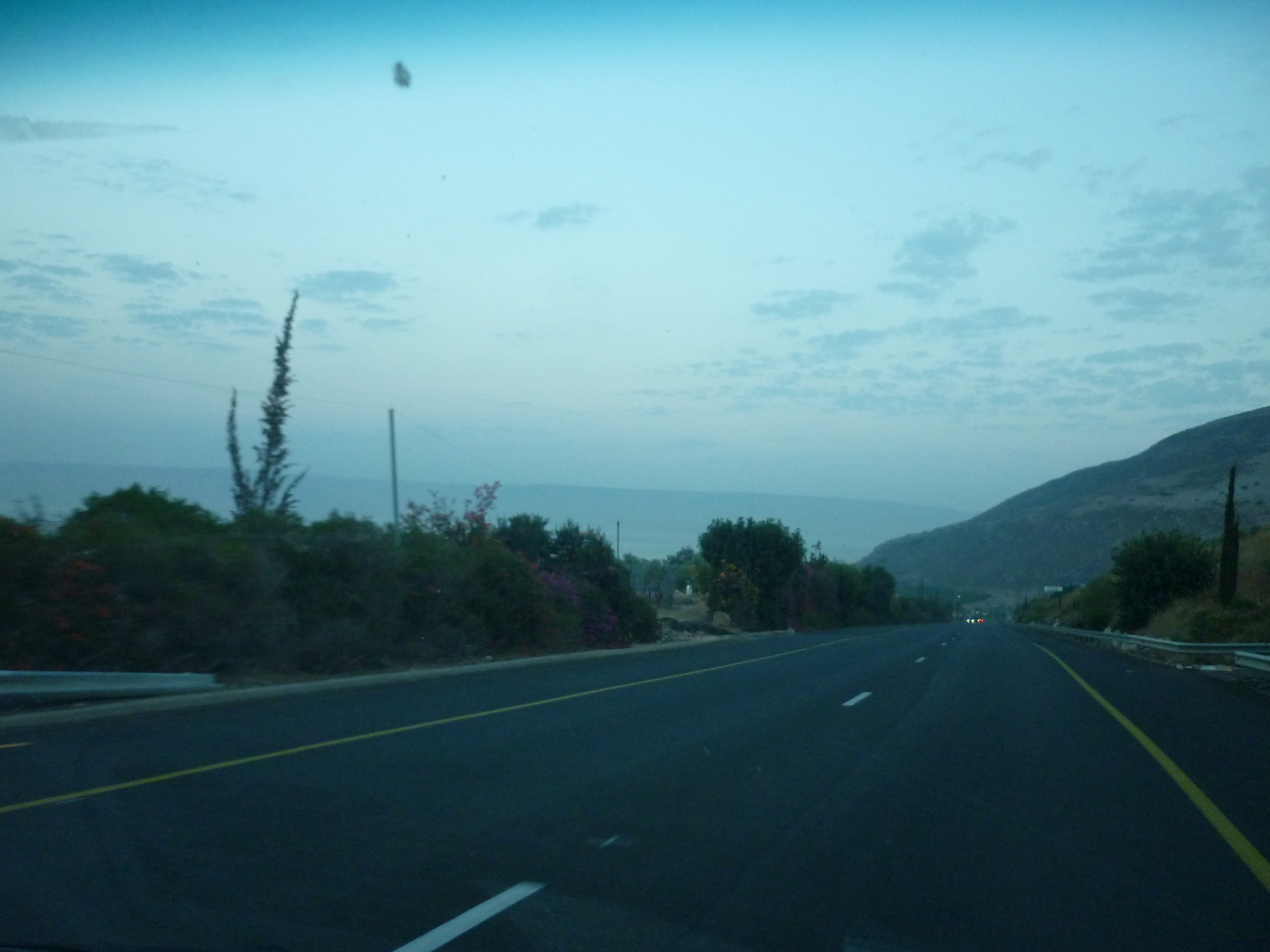
Heading back to Tiberias, its a real joy to go along these roads, the scenery is beautiful.  From Tiberias we caught the Egged bus back to Jerusalem.

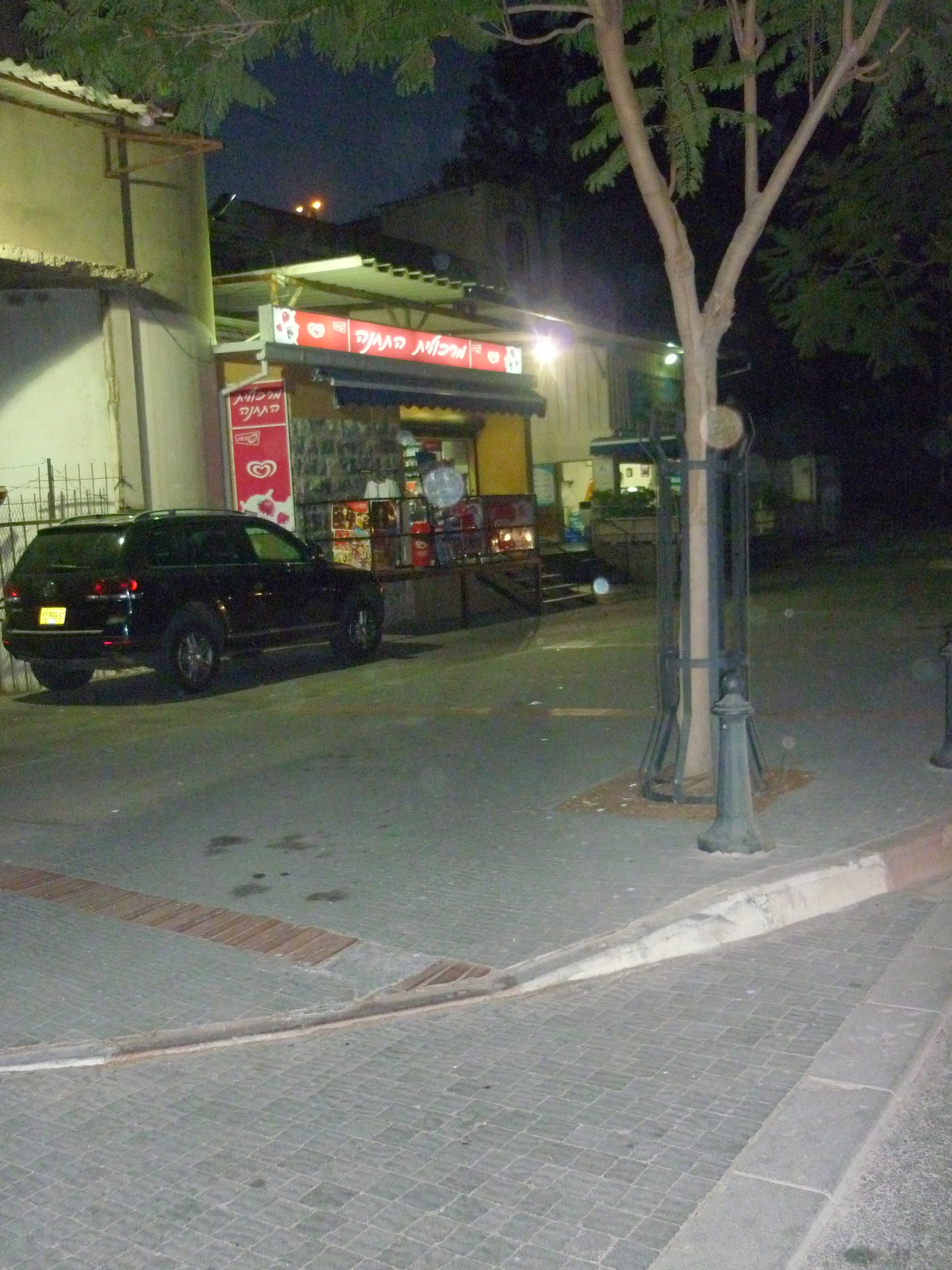
Into Tiberias, (the main city overlooking the Sea of Galilee) as traffic was hectic and it was dark once we got there.  Left: In the middle of the high street was this ruined building, but I am not sure how old it is.  I would guess Roman seeing as this city is named of a Roman leader.  Right: It may be a little hard to see past this tree, but there is a fish shop there, right opposite the sea where Jesus and his disciples used to fish.

Autumn in Jerusalem, around town and at work

This last few months has been quite a varied collection of events.

September my good friend John came down from Portsmouth, originally from Malta, John is of Armenian Jewish decent and I do admire his huge amount of energy and enthusiasm for Jesus, and Israel and the Jewish people, he stayed a few days with me and got to visit a few places and walk along the city walls amongst other things.

I also got an extra person for my department at work which means I am no longer having to look after the computer network on my own.   I also made the decision to extend my time for the second time, and I will be volunteering right into the spring of 2011 when my visa runs out.

In October I had a strange stabbing pain my chest.  I originally attributed this to a strange cold I have had for about two weeks which could of spread somehow.   This was really painful so I decided to stay home from work the next day.   I booked an appointment with the doctors which I got with 4 hours notice, which was good.   As I did mention I bruised my hands from falling off my bike, they wanted to xray me in case I had cracked a rib, although I never got any bruising or injuries to my chest.   This results of this ancient xray machine, who the lady technician told me is probably the oldest in the country proved negative.

The next day after forgetting to take my pills for this condition, I found the pain to be completely gone!   Whatever it was, its no longer there and I am really thankful to the Lord for this.

Had a sad farewell to my friend Matthew from Switzerland as he goes back to Basel, actually twice as did one party at mine and one at his, and also to Taylor, volunteer journalist from the ICEJ as she come to the end of her time here.

Have had some really nice surprises with opportunities God has opened up for me with several  Jewish friends and acquaintances who are planning to make Aliyah (immigrate to Israel) one is a friend from my home city.   It will a real honour to put them in touch with people I know that will help them get settled here.   I also have been asked to help with technical set up for a colleague’s son’s Bar Mitzvah early next yet.   All of this is confirmation that I am not meant to get back into regular secular work back in the UK just yet.

I got to go with Christopher my work colleague and a couple from Canada to see some live blues guitar music (a few articles below) and also quick visit to the Mount of Olives and Jerusalem’s biblical zoo, I will cover the zoo visit soon.

This Wednesday I am going up to our food bank warehouse in Karmiel.   This requires a stay with one of the volunteer staff up there, as its 170km bus ride.   Actually I have to get up to Tiberias and get picked up by a van driver and brought up to Karmiel.   The Wednesday afternoon and Thursday morning me and my co-worker at there there I hope to do a full back up the server and put on Windows patches, set up wireless routers and sort out a few other things.  Once I get a ride back to Tiberias, I will probably find somewhere to get dinner there before heading home.   I would dearly love to properly explore Tiberias for a few days, being the largest city in the Galilee but this will have to be another time, I only have a few weeks left here.

Work projects at the moment, include a fairly big redesign of our network to sort out the weird kinks that happen sometime, writing up documentation, replace a UPS system, source more memory for servers and a special presentation laser mouse and virtualise a few more PCs that are only used for remote VPN access.

I will probably skip going to the young adults worship event at church as I need pack for a camping trip at the weekend, not sure where it is, but staying somewhere on a beach and going to do some caving.   Looking forward to this.

Overall things are not always easy or go as planned sometimes, but life is good.

Virtualising PCs using Virtualbox to make system admin easier and use less hardware

IT things, skip down a bit if not your thing 🙂

At work I have been using Virtualbox to manage virtual machines.   As an open source replacement for VMware or Microsoft’s VirtualPC I like it, its got the backing of Sun Microsystems (now owned by Oracle)  There are regular updates and active forums for support.   When I first heard of it from a colleague 3 years ago, you can literally throw almost any operating system at it, I used one of the first betas of Windows 7, various Linux distros, and things like Android, the fast becoming popular phone operating system, and all of these worked first time with very little issues.

In a nut shell, it makes a PC into multiple independent computers to run several systems at once, meaning less physical hardware to run servers, test PCs and other things.   The host (physical lump of metal) machine can be Windows, Mac or Linux.

This saves our organisation money as we have less actual hardware, patches and updates are easier manage and less power consumption and disk space used.

Each host that controls virtual machines has folders on the root of a drive as follows, with shortcuts onto the desktop:-

I wrote some documentation what I have done for work, this is not exhaustive, nor have I read much in the way of best practices for virtualisation.  But it is what has worked well for me.   At the moment I have a server which uses macros with Microsoft Excel and Outlook to process helpdesk app for our home repair team.   I didn’t create this system as there was no documentation for it, I took it off a physical PC, virtualised it and stored it safely on a dedicated server.   By stripping out unnecessary applications (Windows Media player, Adobe Acrobat etc) , it only needs about 8Gb of disk space.   I also have our SAP finance app which is on an Windows 2000 server box virtualised which made it one heck of a lot easier to apply patches and updates and do maintenance.   This week a normal Windows XP PC used by a member of staff who is the US which is only controlled by a VPN connection has been converted and stored the same way.

On the root of the drive I have made several folders on each host PC as follows:-

\live
– for real running machines currently used in production. When planning backups, these cannot be copied easily as files will be ‘locked’ as they are actively in use.
\backups
– Copies of critical virtual machines before making any changes. In the event of a change or update breaks the configuration, you can revert back to a previous build.   Make this folder sharable over the network.
\nonproduction
– VMs used for experimental use.  These don’t need to be backed up.
\isos
– copies of CDs, operating system media, service packs, etc. Instead of needing physical media inside the host, these come in handy, as you can do changes to the host remotely with VNC or Remote desktop (RDP)  and grab the CD you want from here.

Best settings for typical configuration

  • Use modern hardware for your host.   You should have a PC with a dual core processor which support hardware assisted virtualisation, Intel and AMD’s recent chips do this.   You should have at the very least 2Gb of RAM, preferably 4, and a mirrored disk RAID array where you VMs are going to sit, as a safety net in case of one disk fails.   Below make sure VT-x/AMD-V is ticked if you do have the one of the newest Intel/AMD cpus that support it.  It will work without this, but this is definitely recommended to have decent hardware.
  • OS for the host.   I am using plain old Windows XP (32 bit, with SP3) as a host, this isn’t ideal for several reasons.   You can’t run 64 bit guests, such as Vista, 7 and all recent Linux distros have 64 bit versions.  Secondly, standard plain-jane XP only can cope with a maximum of 3.5Gb of memory, so if you have 4Gb or more, the extra memory is redundant.   We don’t have licences for any other OS to be used as a host, and I don’t know enough about Linux to do system administration this way, but for those who do, it would be a good plan.
  • Disable sound, USB, floppy drive, serial port, support, etc you are unlikely to need these.
  • Once the Virtual machine has booted, install the guest addons.   This is a clever set of drivers that let the VM integrate well with the guest environment, you get proper video card drivers, mouse pointer will work seamlessly with the host.
  • Make sure you set network card settings to bridged (default choice is NAT)   If you don’t do this, the network card doesn’t work properly, and after I switched the setting from NAT to Bridged it still didn’t work, so I ended up building a new VM.
  • Disable the blue/green Windows XP trim on both VMs running Windows XP and the hosts, this boosts performance.   To do this:- goto control panel / system /  advanced / tick box for best performance / ok.
  • Install only the bare essential applications on the host.   My host, just has AVG antivirus, Infrarecorder, (CD burning) VNC and latest RDP for remote access, Internet Explorer 8 (This PC is not used for web browsing, its there as part of the updates)    I purposely left out things like Adobe Acrobat, as it will mean another set of updates to worry about.
  • Use a specific IP range for your VMs, I choose 192.168.x.90-99.
  • Put a second network card in your host, you can make your VMs work choose which network card to use (upto 4)  as I have found today, one network connection stretches things, when you have a dedicated finance server and another PC which requires a user to use remote VPN connection to it, which kept dropping.   Today, I took the server down and put an extra NIC card and directed the remote user’s VM to this.

Known issues and risks

  • When changing settings on a virtual machine, consider this like a real PC, the VM must be shut down for any changes made in configuration.   Changes to memory, disks, etc cannot be done whilst the VM is running.
  • Make sure your host does not have Windows updates on automatic.   Otherwise unexpected reboots to the host will happen when patches get rolled out.
  • When installing Virtualbox, the installation will add and extra virtual network card to the host system, it will also temporarly break network connectivity on the main network card you are using, normally RDP will attempt to reconnect soon after.   Tip! Download and install the latest version of RDP, there is a new version Microsoft released with Win7, this works happily with XP, and has some improvements on this old version. 🙂
  • Some legacy operating systems (or at least if they are converted from physical to virtual) may hang upon boot up. With Windows 2000 Server I built you need to tick the box for IO APIC.
  • When rebooting some VMs, you may experience a system hang with green stripes, you need to manually restart the VM. This does not impact the VM or damage any system files, but just remember if you remotely reboot that system you might need to manually reboot.  Since I moved from 3.2.8 to 3.2.10 this problem seems to have gone I think.
  • Dont be too enthusiastic to indiscriminately install a new version of Virtualbox without making careful back ups of your VMs. Be prepared for possible problems, seeing as many Virtualbox users have said their VMs failed to boot or crashed if a new version of Virtualbox was installed, due to differences in the way it handles the virtual hardware.
  • The feature that suspend VMs (click the X in the corner, there is an option to send shutdown signal, force a shutdown or suspend a VM) seems to give an odd issue that slows the clock down. This could cause some odd side effects with important servers, so I suggest not using this.

This set up works well for a smaller organisation like us, feel free to comment if you have questions.

One thing I would like to ask, and that if anyone can recommend an app I can run on my host, to monitor network, memory, CPU and hard disk space to make sure I don’t overtax my server with too many tasks.

Donated laptop for Hebrew/Russian user

More fun at work setting up computers as gifts to local people.

Today in between usual jobs I have to do at work as the IT systems admin of a charity here in Jerusalem, I was setting up this Compaq Presario 2100 laptop I blogged on previously on replacing the DVD drive. This same computer came into my workshop as the staff member replaced it with a newer Toshiba, and this machine is to be a gift for our cleaning lady who is originally from Russia.

This lady hasn’t got her own PC, and told us she had been praying she could get a computer given to her somehow.  So we are looking forward to surprising her later this week. 🙂

To start with I needed to take a Ghost image of this system in case any files got lost.   It turned itself off part way.  Bah.   Turned out it had overheated.   I stripped it down and found that the fan inside was clogged up with dust, there was a wall of fluff so the fan was turning but no air could escape out of the system. After pulling out the heatsink and fan assembly and blasting some canned air into it, some big balls of fluff came out of it, and once clean I put it back together.  I managed to do a full back up off everything on the hard disk.   This computer is pretty old now being a 2004 model, but it has a 2800 AMD Athlon processor, so performance is quite good actually.

Next was to install Windows.   I found a copy of Windows XP home Hebrew edition in a drawer, I made a duplicate of the CD and merged in Service Pack 3 for XP into it and burned a new copy of the CD.  I used the normal XP home licence code on the sticker on the bottom of the Compaq.

This is interesting as our cleaning lady doesn’t speak much English, she speaks Russian and Hebrew only.   For me installing XP hebrew version is a little interesting.   After formatting the hard disk etc, everything seems to be like normal Windows XP in English, once the computer does its first reboot, it will show the “35 minutes left to install” in Hebrew.  The rest of the install I can do from memory as I have installed XP enough times to know roughly which menu features do what.

Once installed, up comes the familiar desktop with the grassy hill background, but with the Start button on the right.   Everything is back to front as Hebrew is a right to left language.   I am doing everything else from memory here,  I put on all the Windows updates which took about an hour.   All the drivers go on after this.

Laptop pimpin’

This particular type work I do is quite fun as I get to use creativity in setting up the equipment for user so they can work with no hassle.

If you remember the TV show ‘pimp my ride’ where car modification specialists adapt and improve and tired and shabby vehicle of a viewer of the show, they write in complaining their car is old and jaded and would like to be considered to be the subject of the show.  Usually around $30,000 is spent on a car worth virtually nothing to start with. Part of the charm of the show is the outlandish over the top extras done such as 8 TV screens set into the interior.  Of course this particular business that has the team of vehicle technicians do actually have customers in posh parts of California with vast amounts of disposable income purely for aesthetic make overs for their cars.

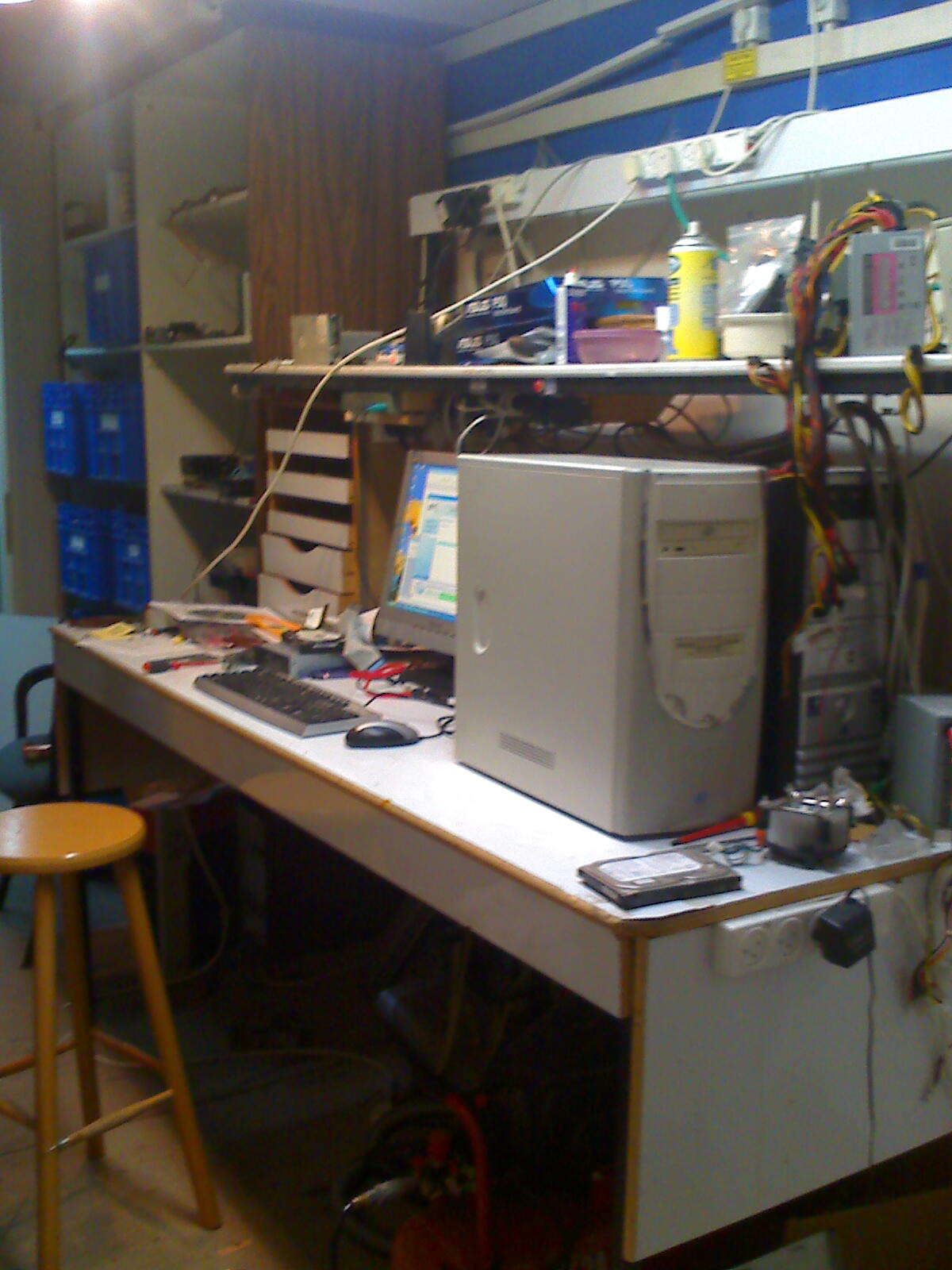
Here in my workshop I enjoy pimping out  old computers, generally tune and tweak things for performance and usability.   I also try and reuse second hand parts where possible, usually I prefer to buy new parts such as cooling fans and batteries as used versions of these components are never any good, so everything can be done as cost effective as possible.  I always use a lot of open source software which is free and doesn’t have unreasonable and complex licence agreements.

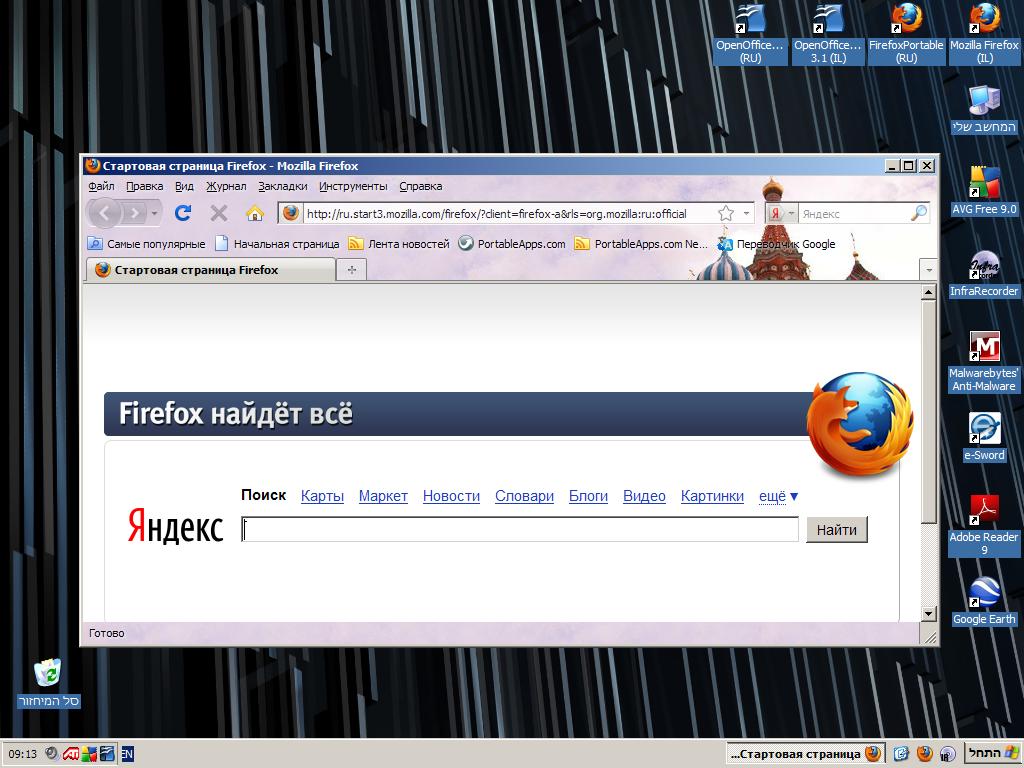
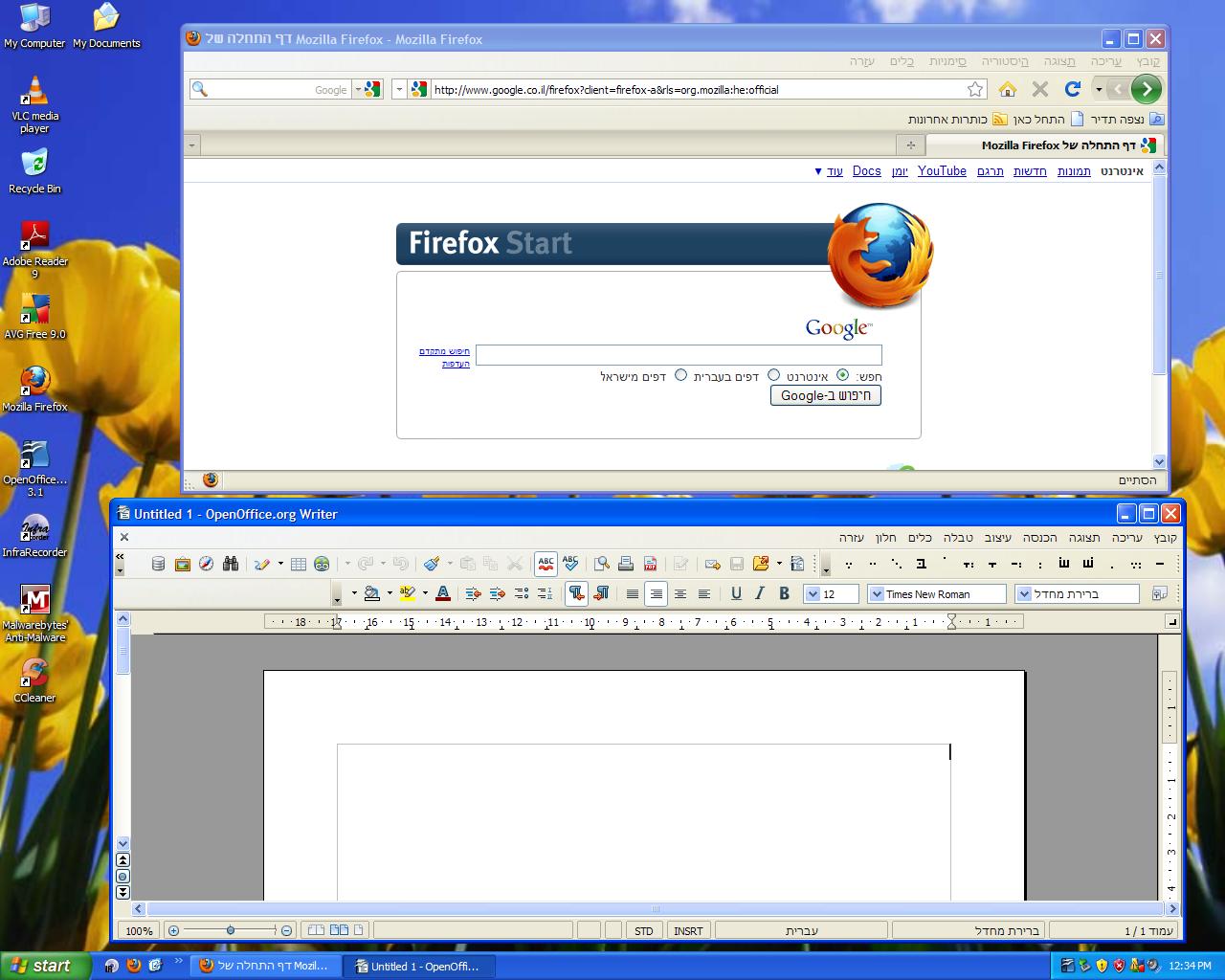
This particular system I have worked on is based around this lady’s background, and as Russian is her mother tongue, I put on the Hebrew version of Firefox, and also installed a Russian version of ‘portable’ Firefox.   This particular version of this popular browser (70+ languages are supported) is meant to be installed on a USB stick.   This means two versions can be put on together.  There is also two versions of OpenOffice, using a standard version and portable version.

Hebrew Firefox with Lion of tribe of Judah theme!!!

Russian Firefox with Tetris type church theme 🙂

Sadly it doesn’t seem both apps can be run at the same time, but don’t think this is too much of an issue.

As well as a simple Compaq wallpaper from the internet, I set the Firefox background themes to fit in nicely for each version of the browser 🙂

Software installed:- Windows XP home with Service Pack 3, Internet Explorer 8 (as not a great browser its just on for security updates) Media Player 11, VLC player 1.12, Mozilla Firefox 3.6.8 Hebrew version, Mozilla Firefox 3.6.8 Portable Russian version, Open Office 3.2 Hebrew version, Open Office 3.2 Portable Russian version, Adobe Acrobat 9.3, Google Earth, Free AVG 9.0, Malwarebytes Anti-Malware and lastly Infrarecorder CD/DVD burning app which has support for Hebrew language.

Of course all the security is tightened up with Internet Explorer icons removed, all Windows updates on, AVG 9 does the job nicely and Malwarebytes is good for scanning for more complex threats – albeit has the to be run manually once in a while.

All software installed is legally licenced and has cost the grand total of zero. 🙂

Only slight negative points of this computer is the silver paint on the palm rest is a little scratched, the battery doesn’t work for more than 5 minutes and there is no onboard wireless card.   I think I will go with a cheap USB wireless stick if she needs this access.

Now just need to give this computer a clean and could benefit from some Hebrew/Russian keyboard stickers for its new owner.

Preparing an old PC to go to local family

In between looking after systems at work and sometimes staff’s personal computers when I have a quiet day, in my workshop this week is an old Pentium 3 computer that is about 8/9 years old.   It came from our Japanese office (don’t ask how it got here)  and had Japanese Windows XP for our staff from Japan that volunteer here.   These days its never used as we have one computer for volunteers to upload their pictures, go on Facebook and do any personal web browsing and email, we have people from dozens of different countries and they all speak English, including recent Japanese volunteers.   Obviously its not really practical to maintain it, as I don’t speak Japanese, as all the text appears in Kanji text.

This computer only has 1Ghz processor, its old and redundant.   One of my colleagues who deals with food delivery to needy families asked if we had an old computer no longer needed..

When I sometimes have a quiet day, I often fix other volunteer’s personal laptops, and also have fixed a PC that belonged to a local Arab family.

So grabbing it from a dusty corner, I put it on my work bench and tested it out.  Looking through my boxes of spare bits, I now have 1Gb of memory and replaced the CD drive with a dodgy eject mechanism with a LG CD writer.  It doesn’t do DVDs, but another driver could be bought quite cheaply and easily fitted.

I put on a normal installation of English Windows XP Home edition.  There is no Windows licence sticker on it, and I have a spare licence code from another HP PC that had a bad motherboard, as the stickers are not easily removable, I hacksawed a square out of the case with the sticker, and put the rest of it in the bin.  I have saved licence codes from other computers in case someone wants to escape from the ghastly horrors of Windows Vista, I keep a library of CDs of all different versions of Windows XP, and despite XP’s 9 years on the market its easy to customise it to how you want and extra aesthetic features and functionality of Vista and 7 can be copied to some degree.

After setting up both English and Hebrew keyboard support and set all the region and language options to Hebrew and Israel.   I downloaded the Hebrew versions of Firefox and Open Office.  You can find all language versions of Firefox here.

Note, as Hebrew is a right to left language, icons and menus follow the same way.  Interestingly enough Open Office shows these little dots you put under Hebrew symbols, not so much done with modern Hebrew but often used on religious books.   Open Office is a good free alternative to Microsoft Office, as I don’t have a legal free licence I can give away.   For almost all regular writing and spreadsheet requirements this does a perfect job and costs nothing.   You can download it here. Versions for non-English users are here.   The Hebrew version is on a totally separate page here. There are versions for Mac and Linux computers as well.

Here in Israel I like the fact that more things get repaired here, ie: TVs, jewellery, shoes, etc, often this is not always the case of too much hassle to repair something, its a case that there isn’t enough skilled people to do it.   Jewish people seem to always have a knack for repairing and working with small precision objects such as jewellery, watches and such.  Skills that are passed down in generations I guess.

I think its daft in how people call this “recycling” of PCs.   Recycling is normally breaking something down to its component value for parts of for scrap materials.  If I buy a car that 8 years old, its not a recycled car, it just past through several owners, seeing as not everyone can buy goods for the original asking price and have to make do with something older at a fraction of the value.

Also this month I have virtualised an important system, for regulat non-IT folks this just means one computer pretends to be two or more computers having multiple versions of Windows simultaneously.   If the physical hardware breaks, a single file that contains the extra invisible PC can be quickly copied onto a another physical box, meaning less than hour of down time.  This saves our organisation in less hardware needed (One PC freed up for a spare unit for next member of staff)  and also electricity usage.

I replaced missing screws gave the case a clean too.  I have a spare 17″ CRT monitor and keyboard with English, Hebrew and Russian characters and a decent mouse too.  Some more parts scrounged from some cupboards means I have another similar spec system to put together when I have a quiet day some point soon.  Plus I have cleared the workshop of old parts.  Looking forward to going out and handing this over to a family this week as their first ever computer…. 🙂

July 2010 and IT work in Jerusalem

At work I have been setting up a back up system for all three of our offices as the current system wasn’t working well or flexible for our needs, so I have deployed Cobian (which I really like as its free, open source and easy to configure with support for compression and encryption and reporting) and its crucially important as an IT administrator to be well rehearsed for a worse case scenario.   I am also thinking my job has some different slants, in terms of do IT people prepare for possible war.   One example is if our staff have to go into a bomb shelter (most houses, businesses and public places have one)   how we get announcements of what is happening.   I don’t think mobile phones work in heavy concrete shelters, and neither do laptops or smart phones using wireless internet either.   I have been told the government uses radio announcements for this kind of scenario, but then again I am not sure if they have these repeated in Hebrew, Arabic, English and Russian languages, all widely used here.   I thought one theory would be to put a wireless router (in a locked enclosure, so no unauthorised person can plug in a network cable or tamper with it)  in the shelter in one office, but then again that particular office has a shelter shared between 3 other businesses, so it doesn’t belong to us nor is it possible to drill holes or wire cables through a wall.

This week, there are announcements that significant numbers of Israelis have had details hacked by Turkish hackers see this news story.   Seems to be more common people deface web sites or illegally get personal information as a political statement.   I think I need to think about making sure all our servers and critical systems are fully patched.  Last year I saw a public presentation by the IDF who had an IBM Thinkpad laptop still with XP SP1 (I can tell as Service Pack 2 and later no longer shows the words ‘home’ or ‘professional’ upon booting up.) Microsoft stopped supporting XP without service pack 3 sometime ago now and the update isn’t that difficult, and apart from needing new wireless drivers for sometime laptops there is little possibility for this update to cause a problem, testing would need to be done with specialised apps but I have not seen any real issues.   I merged Service Pack 3 with our CD of our volume licence version of XP (do a google search for ‘slipstreaming’ if you want to learn to do this) so this is done transparently when I do rebuilds of PCs at work, saving me a lot of time.   I don’t think complacent in IT security is any worse here in Israel, as many of my previous employers were years behind on installing service packs, using an outdated web browser or had cut corners on inadequate antivirus apps that were not upto scratch.

If you have done IT administration or know articles for places where people may face danger, do feel free to comment.   I am not interested in anything political, just ideals for sensible practical plans for technology to keep people safe and work in times of uncertainty.

I have tidied up my blog and should get my original domain name back soon, I have removed some people from the links on the side, hope no one is offended, but I got rid of some dead links and blogs that had not been updated in a while.

Riding to work – commuting Jerusalem style Part 2

first bit –  second section –  Third and final

…continued

Get to these nice modern flats with neat gardens, turn right..

Nice long downhill ride, not much effort here!  turn right at the end of here and go past some shops.

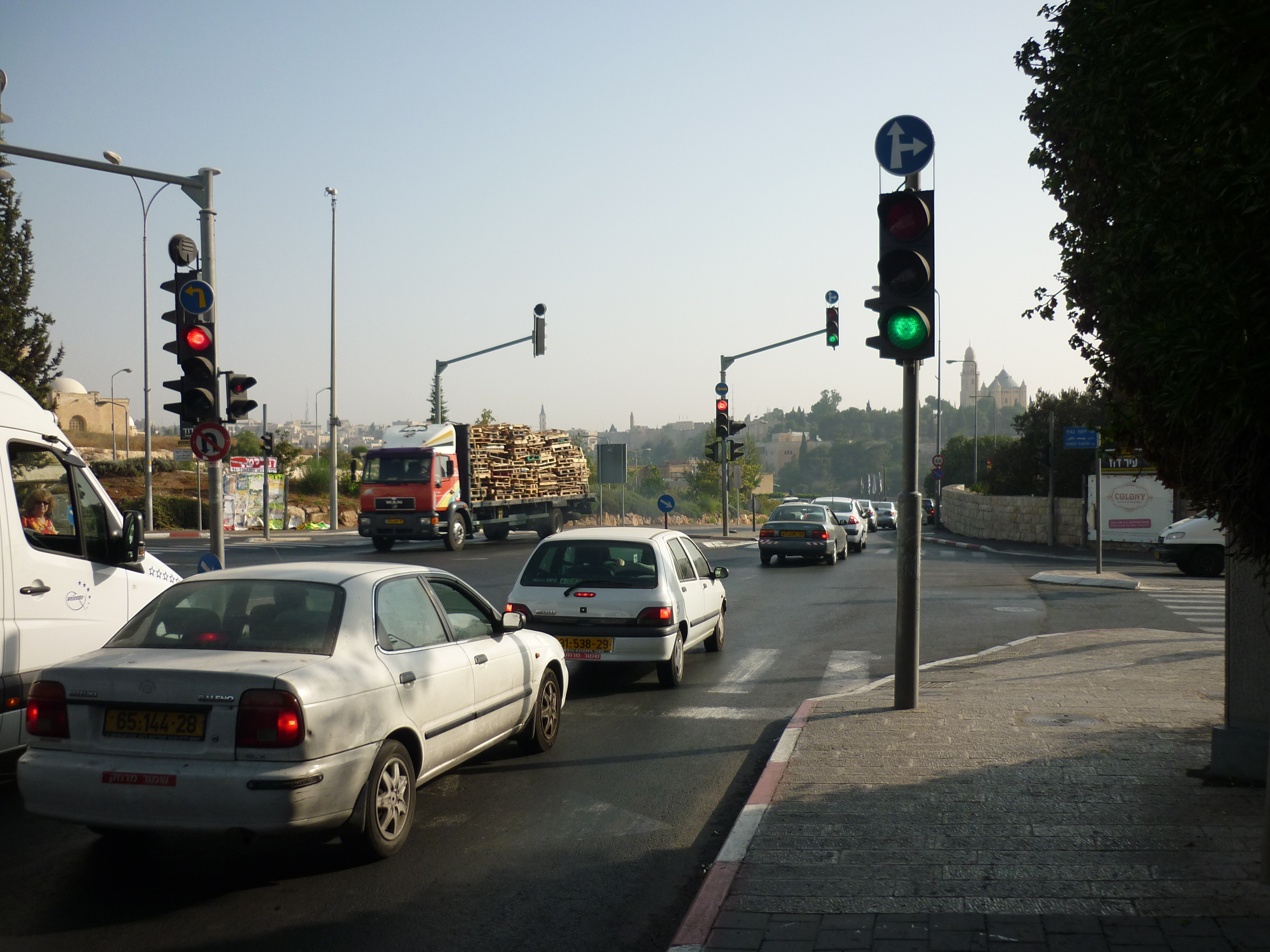
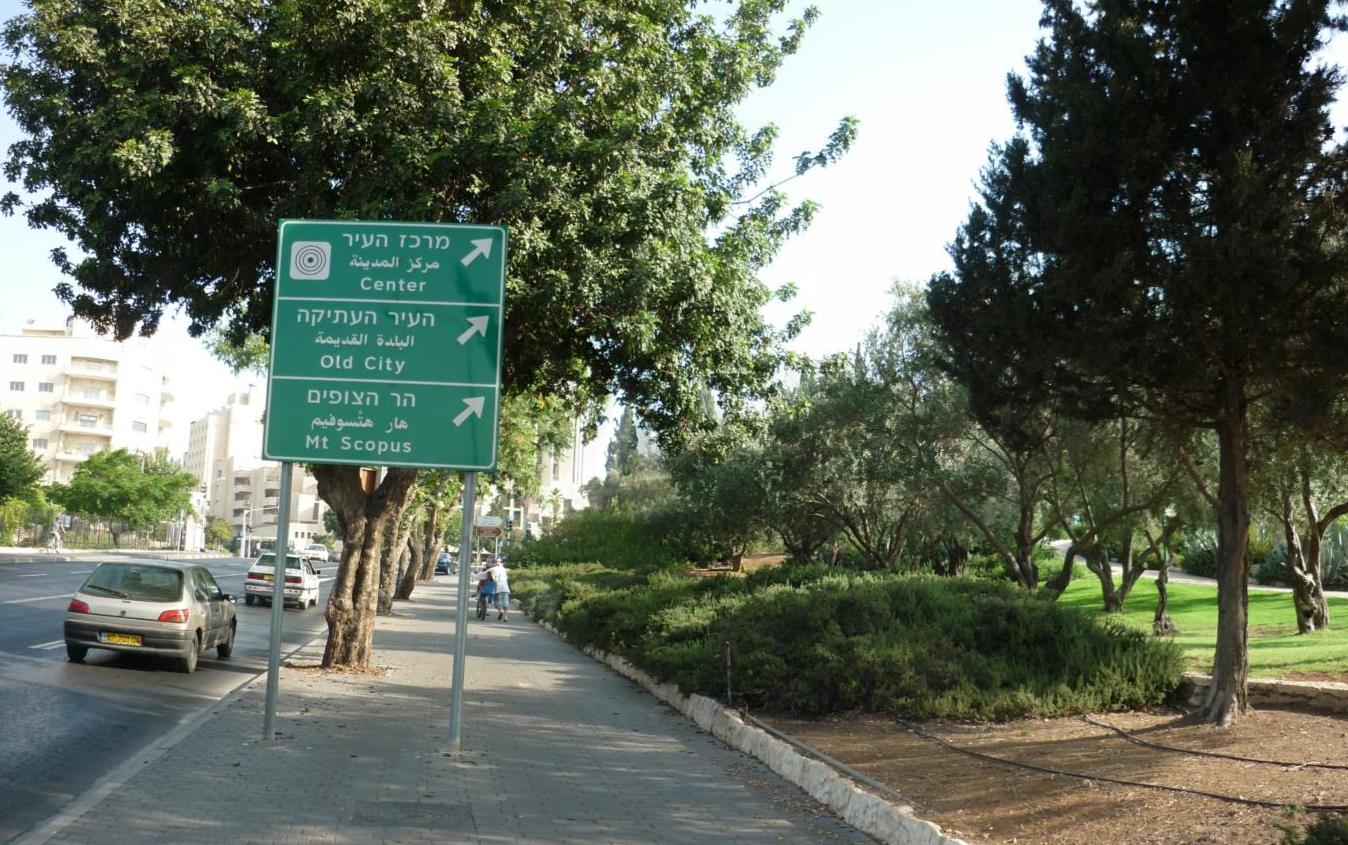
Turn left here by these lights.  You can see the walls of the old city ahead and the towers of a Greek church.

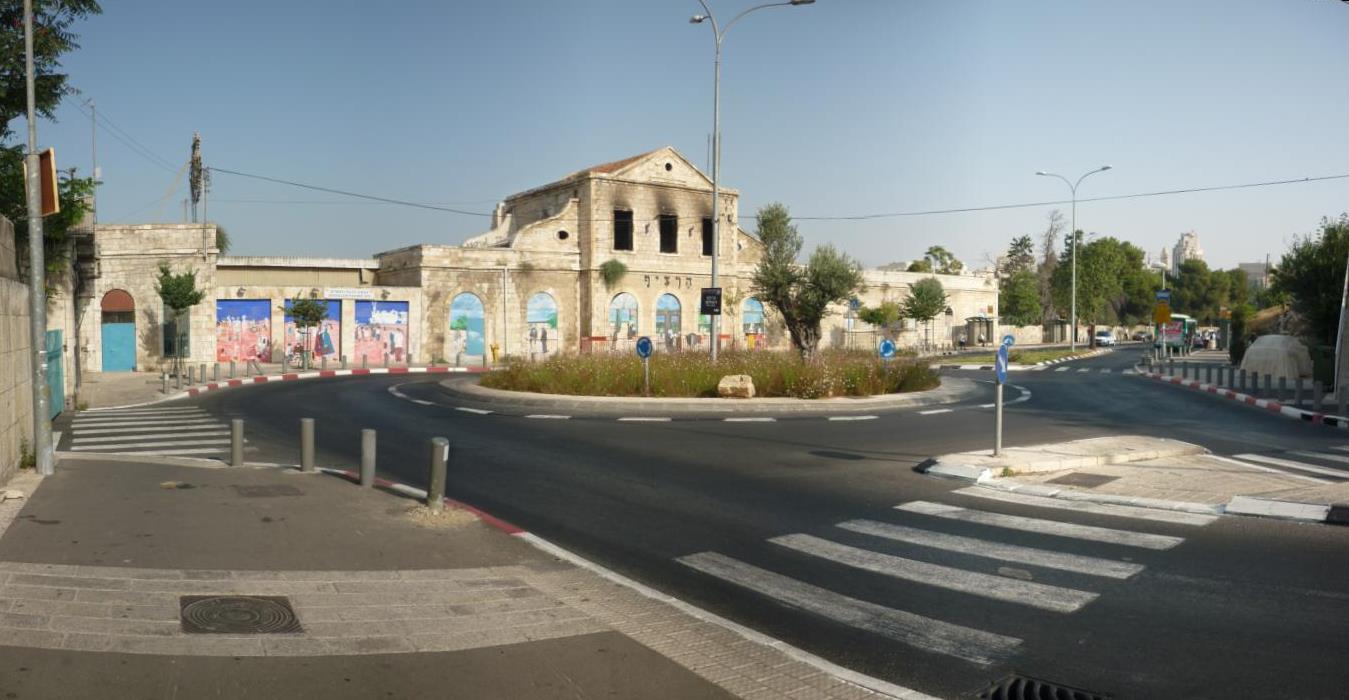
These derelict railway station looks sad.   Not sure why there are no trains any more in central town.  You can see where the windows are there was a fire at some point.  Oddly enough on the right looks like a car covered with a tarpaulin, it actually is some kind of modern art exhibit with a big solid fibre glass cover over it.  Someone’s nicked the plaque on it, so I don’t know who designed it or whether it was a bizarre punishment for someone parking illegally. 🙂

There are nice parks either side of this main road as I ride uphill.  There is also a nice fountain on the right and this place is often a choice for weddings for people to have their pictures down, especially with Arab and Ethiopian people.

Also on the right not visible is the windmill from the old district of Yemen Moshe.

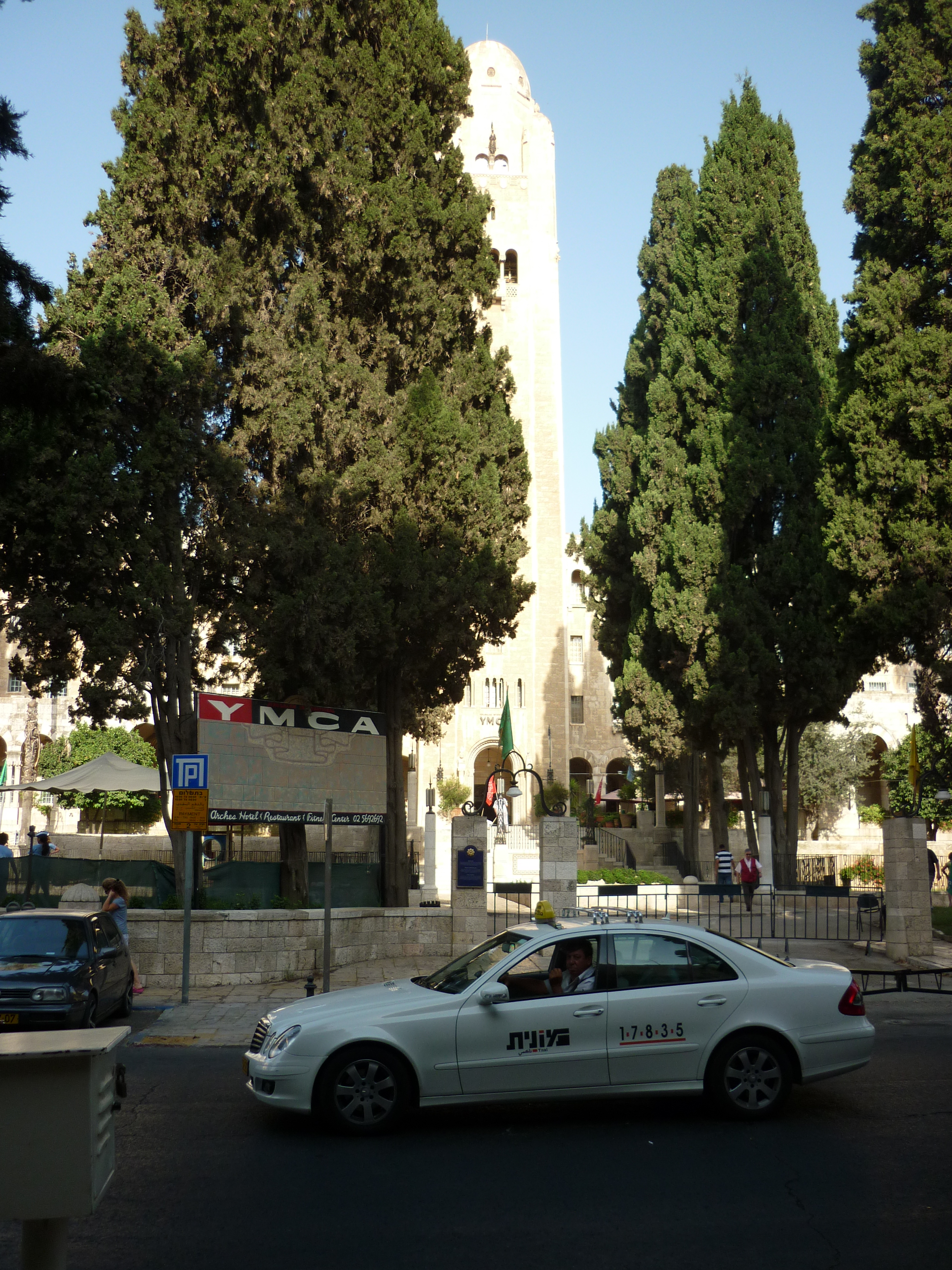
This is the outside of the world famous King David hotel, and on the right, directly opposite side of the right is the YMCA.  Youth hostels are usually thought of as simple affairs for casual travellers on a budget, but this one is huge and is impressive as the hotel it faces.

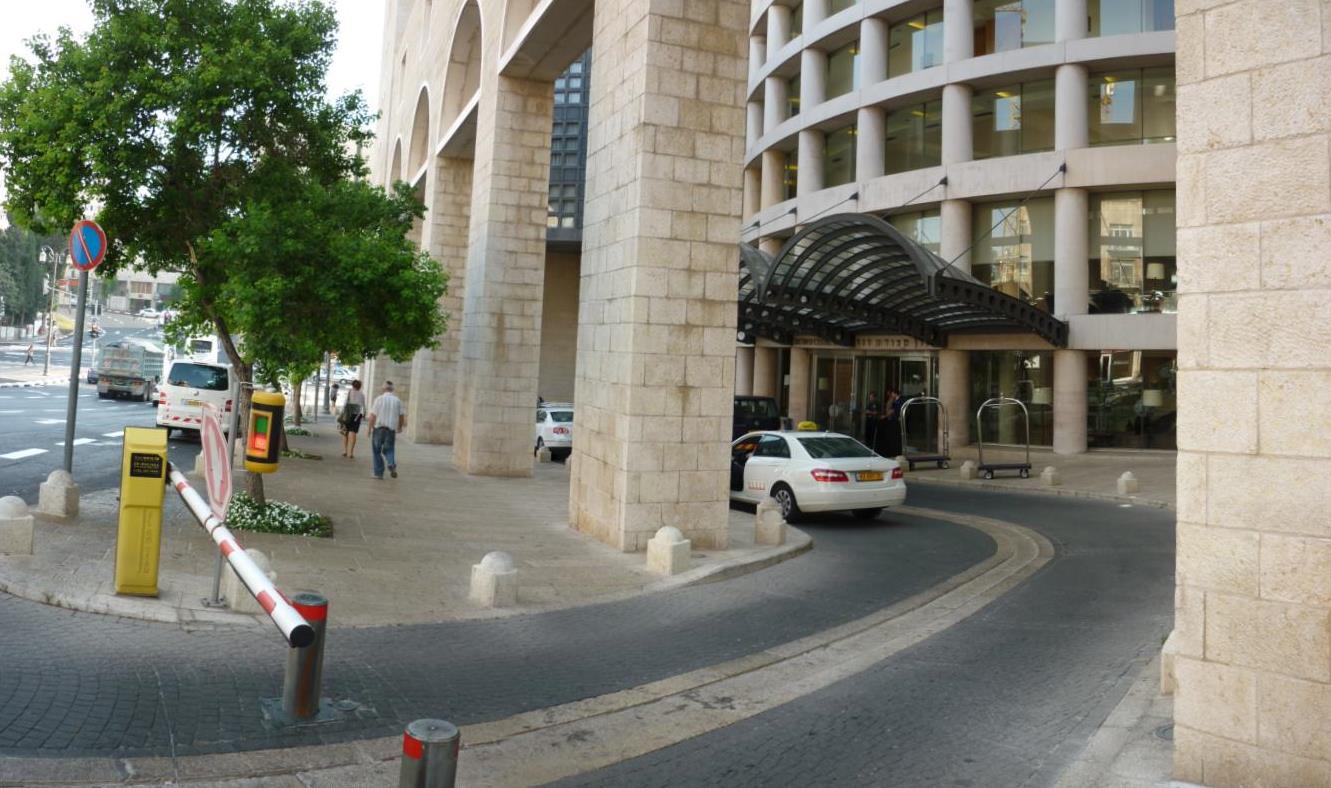
This is the King David’s rival, no not Goliath, but certainly Goliath in size.  The Citadel seems to be the main choice for foreign heads of state to come and stay, but also I sometimes see poster outside advertising a forthcoming boy’s Bar Mitzvah, a birthday or some other type of big party.

Mamila shopping centre.  Looks super modern from outside but has several buildings inside that have been removed from elsewhere and carefully dismantled with numbers written on the bricks and then reassembled carefully again.

Another hill upwards.  Sheesh, I don’t think anyone in the bible ever got fat.  Going anywhere is up and down hills all the time, this road joins onto Jaffa Street.

first bit –  second section –  Third and final

Riding to work – commuting Jerusalem style Part 1

first bit –  second section –  Third and final

I thought I would mention a bit about my commute to work.

My house is in East Talpiyot, is 6km (4 miles) from work, I got a bike not long after my return from the UK in March.

I have had to commute distances before in previous jobs, when I started working for the Southampton NHS trust (for non-UK people, a hospital authority) to start with, the drive of about 26 miles was hell, due to heavy traffic and the maddeningly complex lane system around Southampton.  After getting a Tomtom unit and planning a different route and fair bit of practice, this journey got easier, after a couple weeks I really started to enjoy this job, and my boss gave me some assignments to do in other parts of the city (there were about 100 different buildings to be visited between a team of about 8 of us)   I think this was God telling me to be more persistent with things.   Plus after a couple of months of this role all the roadworks was complete, giving me more time to get in.

Here though, I am on two wheels which might seem dangerous given the more er, ‘energetic’ Israeli style of driving here, but in general riding around isn’t too much problem as I use the pavement and just keep an eye out for pedestrians. Right: Out of my flat

This junction here doesn’t look much, but I actually have a archaeological site 100 yards from my house. The Talpiyot tomb. I have looked around and I can’t actually see this place, I have a feeling its probably hidden one of those electricity type shed things to the left.   There are steep steps down from this junction, so it could be under the road.
Up a hill, then down.   Then up.   A sneaky short cut up this hill to the right.

Good morning UN!   The United Nations building used to the headquarters of the British Mandate of Palestine (pre 1948)  Apparently looking at this location on a map, shows this place during biblical times was called the ‘Den of evil council’ (!)
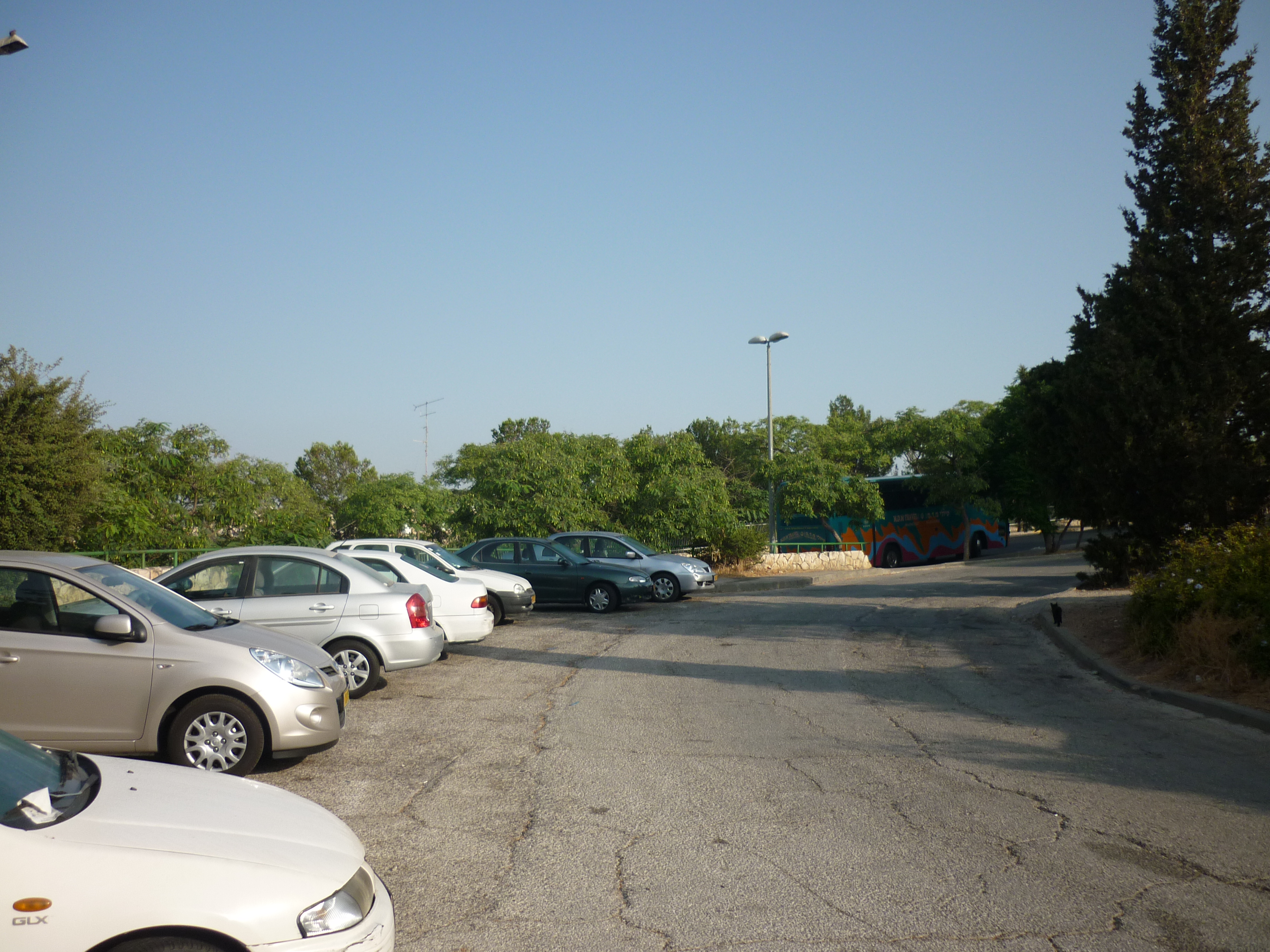
I then cut to the right where this white car is:

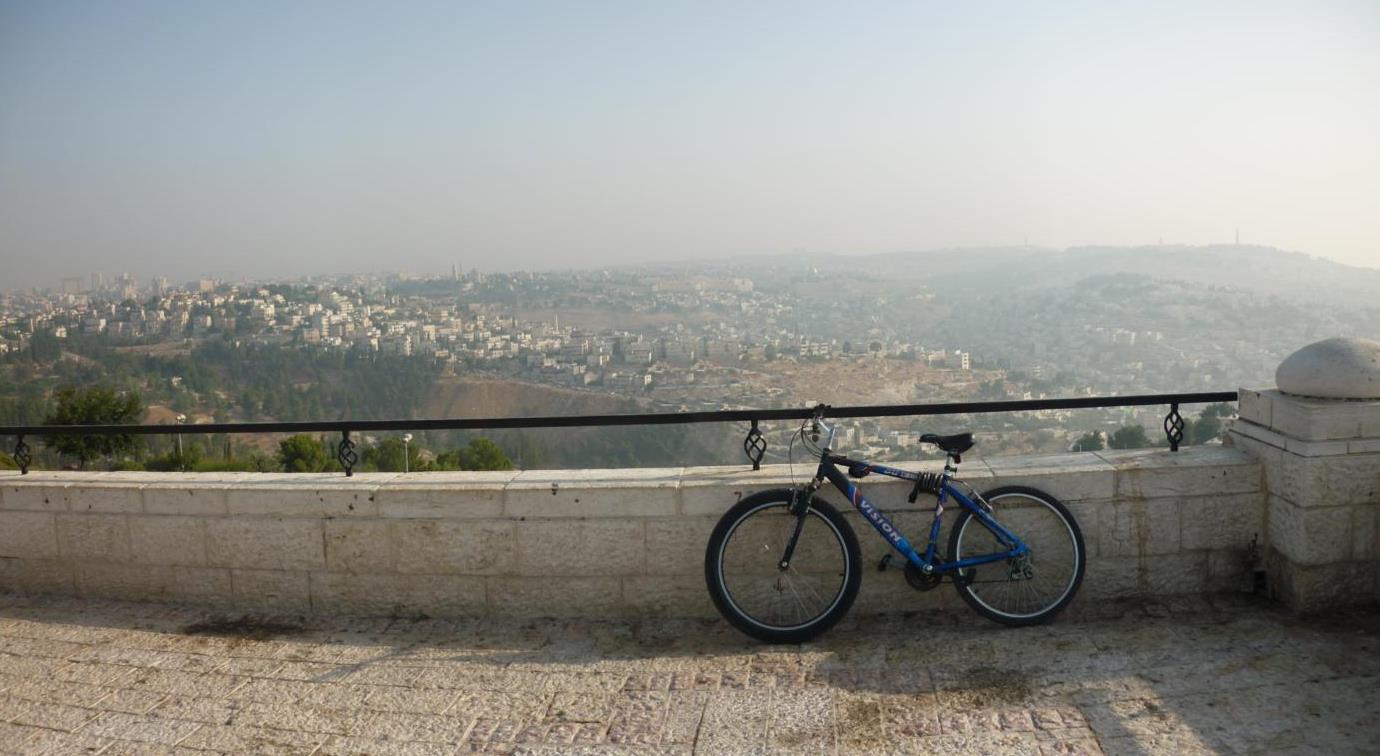
The promenade!!  You get some amazing views from this place!!   Today it was a bit misty though, I am not sure how you get fog in a dry desert country but visibility in mornings is often like this.

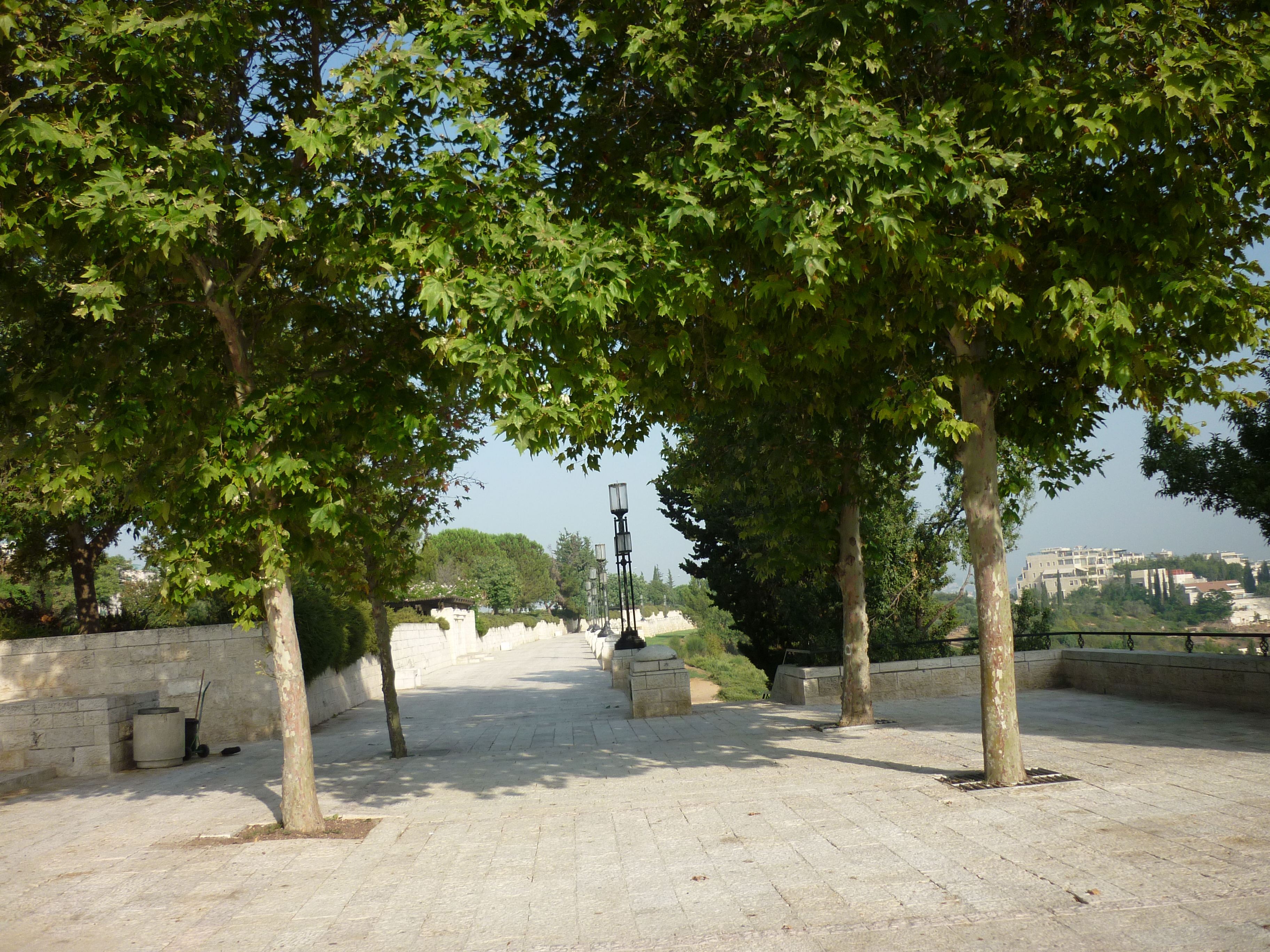
Ride along this path.

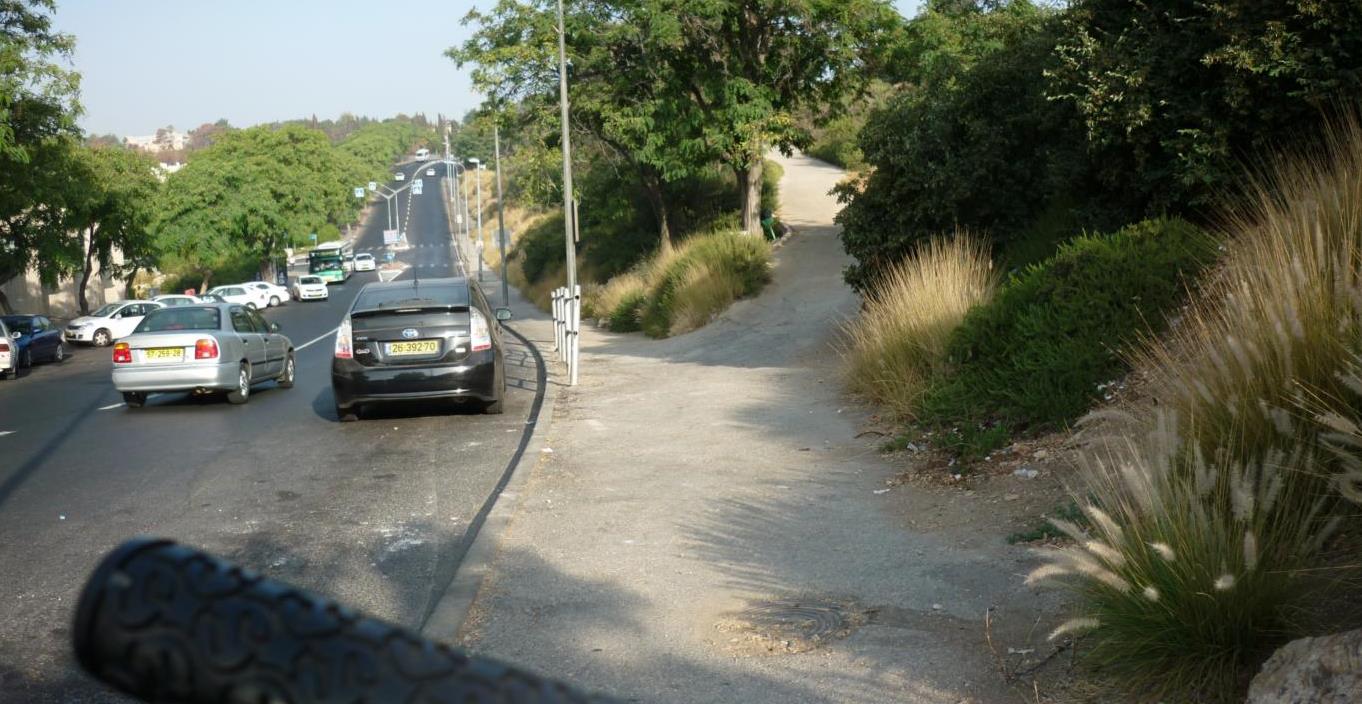
Another sneaky shortcut, to the right takes a few minutes off…

first bit –  second section –  Third and final

Firefox 4 first impressions / fix your old extensions to work on newer Firefox

Skip downwards if you don’t want to read geek stuff 🙂

I found out the beta of Firefox 4 came out today so I thought I would try it.

Where as Google’s Chrome is getting more and more popular, Firefox is stil popular choice for domestic web browsing, and contrary to stuffy IT managers I have seen that force everyone to stick to IE6 because of compatibility concerns, despite being dangerously flawed could be negligent to their customer’s data, it can be configured for performance, security and compatibility for any business.  Awkward web based apps that rely on Internet Explorer can be run using the IE Tab extension which makes setting up scripts for just those troublesome sites a breeze.  Generally users take to it and the user interface is close enough to IE for the adapt without too much trouble.  Sometimes I have to explain to users how tabs work but they are normally pretty happy.   The other reason for me why Firefox is king is how the Windows, Linux and Mac versions are similar enough to provide consistency in use and many of the extension work on all three environments, add to that this application is available in numerous languages, and you have a really stellar example how open source software can give you the freedom to make applications work the way you want.

I have to say, the Mozilla do tend to market Firefox like a bunch of hippies in a VW van selling organic soup or something, great but the stuffy IT managers of big businesses are not going to be convinced by it.  They really need an extra separate marketing campaign to get ordinary businesses using it for general browsing, and highlight the dangers of Internet Explorer’s dangerously flawed ActiveX system where uninvited nasties are free to get on a PC even if the user doesn’t have administrator rights nor are on web sites over a dubious nature.  Where as techs like me are always having to reimage PCs messed up by viruses and malware from an outdated browser.

So far I have only had about 2 hours worth of time to test drive Firefox 4, because it is a Beta, a mostly complete prototype not ready for primetime, you will find none of your extensions will work.  If you are a developer or just plain impatient, heres some tricks for you to get up and running.

New features on FF4 (I am doing this without cheating and looking on the web, just from obvious things I can see from the browser installing on my machine)
Aesthetics – the user interface has changed so the tabs are at the top, similar style to Chrome.  Gone are the odd shaped green circular back/forward buttons, and more neater buttons take their place.  Actually the newer animated clock things for waiting for a page to redraw look naff, please bring the 3.6 ones!!
Extensions/Add ons system appears to be completely revamped.
Inspect and Heads up display – seems to be diagnostic tools for developers to see the HTML code that makes up a web browser.
So far that is all I can see, but I expect there’s a lot of fine tuning for performance and stability below the skin.

Of course, as I am support and network administrator guy, I look at things from a different angle that my fellow IT peers who are web developers, so there is plenty of other features I am missing out here.

Running Firefox in commercial environment really is pretty simple and hassle free, security is good and users are warned if security certificates seem inconsistent.   As always I would refrain from rolling out the major updates, so not to break any extensions you may have, but when the browser updates itself from say, 3.6.4 to 3.6.6 as it did for my users, this is always done discretely in the background and doesn’t interfere with users work.  Compare that how horribly clumsy and awkward another application like Adobe Acrobat screams at you to do updates when you just want to view a darn PDF in a hurry.   I don’t know if Firefox can be forced out in a business environment using Active Directory type tools, this would be worth thinking about if anyone in Mozilla is reading this.

Some critics say Firefox is bloated and eats lots of memory, all I can say is that I have installed it on lots of different machines and rarely get into this problem.  Excessive memory consumption is likely to be down to lots of extensions loaded or stuck bits Java or flash residing in memory.  I would recommend you get the excellent free Ccleaner registry clean up tool and run it every now and then.  If your PC is never rebooted and runs 24/7 like a lot of other apps you will run out of memory every now and then.  Heck I was using an ancient 1999 model Toshiba Satellite 4090 laptop until 2007 running Firefox 2 on only 192Mb of RAM and with more than 3 tabs it would choke every now and then and wasn’t fast, but generally Firefox copes with elderly PCs quite well if the machine is properly configured.

Anyway my other talk here was I learnt from a while back how to trick Firefox into making your extensions work if they refused to load as they intended for an older version of Firefox, perhaps the main moan point for me, as third party developers are a bit slow in keeping up with the new versions for this browser.

These are my favourite extensions
IE Tab 2 – renders sites in Internet Explorer, great for poorly maintained web sites written for specific browsers
British English Dictionary – spell checker (works the same as MS Word) that underlines unrecognised words whilst you are writing text on a blog/twitter/facebook/forum or some kind.
Foxytunes – remote control to use iTunes/Windows Media Player/Youtube/VLC player at the bottom of your browser – Note I was surprised to have found out tonight Foxytunes is written by Israeli developers and now owned by Yahoo.
Resurrect pages – Finds cached copies of deleted web pages on a server.  Seen a blog with something interesting but controversial that got taken down?  Normally you can use this to find it again.

Warning, using Beta test software should not be done in a live commercial environment as the software is not fully tested.  Add on the fact I have interfered with the extensions to ‘force’ them to work, that is, remove a compatibility safety feature that will make the browser refuse to load on preventing a possible crash.   I am using standard old Windows XP SP3, but this should be the same for Windows or Linux users with equivalent tools.  Do this at your own risk.

1. Download the required extension you want, but you need to right click and choose ‘save as’ as we want to save it as a normal file with the extension XPI to change something.  Notice here this app is labelled as only compatible with upto version 3.6 of Firefox. (the most newest stable version today July 2010)

2. Once this is done, you then need to drag and drop the XPI file onto Winzip.   I am not a fan of Winzip as its bloated and awkward, but the equivalent apps don’t work so well for this type of job, Winzip isn’t free of course but the trial version is good enough for what we want to do.

3. Drag out one of the files off Winzip which is embedded in the XPI file, one should be called ‘install.rdf’ save this somewhere safe.

4. Next, drag and drop this file into a text editor like Notepad.
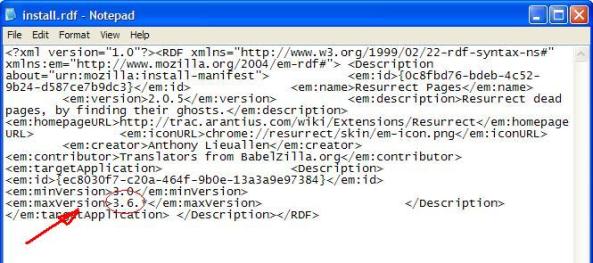
5. This looks like a lot of meaningless script only understandable by a programmer, but where it says ‘max version’ and 3.6.* change this to 4.0.* and then save the file.

6. Put this file back in the Zip file.    This hack XPI extension can now be dragged over onto your Firefox browser main window, and restart the browser when prompted to.

If something goes wrong? Firefox not starting?   If Firefox then crashes, you will have to start it in safe mode [start > all programs > Mozilla Firefox > Firefox (safe mode)]  will get you out of trouble, then disable the last extension you installed.   So far, all of the above four extensions were hacked by me this way and all work fine.

If you are having some problems with a favourite Firefox extension and need some support, I will gladly offer some help and maybe adjust your extension for you, contact me on my normal contact form.   A small donation would appreciated as I am a volunteer IT tech just blogging on IT and places I see at a charity in Israel.
recent demonstration of 100,000 Orthodox Jews in Jerusalem

Over a week ago, you may have seen in the news plans for demonstration in the city centre from around 100,000 religious Orthodox Jews who were upset about their children being taught with secular Israelis in schools.  I don’t really know the full details of this, but we were asked by my work to be called into the main reception area to be be told to grab our things and go home for the day as there was a possibility this demonstration could turn violent, we just did a quick prayer that the demonstration would just be done and dusted without any problems.   This was a bit annoying as well I wasn’t be able to go to worship event at my church that evening, as the demonstration would of gone on till midnight and is in the main streets where I cycle through to church.

The Haredi (ultra Orthodox) communities often have demonstrations, since I have been here there have been one concerning a woman accused of abusing a child (the religious thought the police were ganging up on them) and other cases its usually they are complaining that the government are being too secular.   On one of the occasions a police car was torched and people were hurt.  But thankfully that thursday went peacefully.

The rest of Israeli society may get annoyed at the Orthodox people as lot of them do not work (just study Torah and religious books) or join the military, although in recent years there are more in the army.

There are many different facets to the frequently spiritually stormy atmosphere here.   Another reason to quote Pray for the peace of Jerusalem, Psalm 122 : 6.