important anniversaries in 2011

This year marks some interesting anniversaries

10 years since the 9/11 attacks in New York, Washington.  Still a terrifying attack which seems so meticulously planned.  No conspiracies just radical Islam who masterminded it.

10th anniversary of Wikipedia the online encyclopedia

marks 10th years of Microsoft’s Windows XP operating system was released.  Still popular and its now Microsoft’s enemy to try and convert everyone to switch to Win7.   Many owners of Vista and 7 based PCs complain they wish they had the speed and simplicity of XP.  It took a while for XP to mature though, it was until several service packs later there was proper firewall, wireless support or use hard disks over 120Gb.  Still the most popular Windows ever, and the longest lived operating system ever I think.  Mac OS X came out a bit before but its changed quite a bit since when going from 10.1 to 10.2 then 10.3 etc, and now Macs have totally different CPU architecture now.

20 years since the collapse of the Soviet Union. This is quite a monument where I am, as this meant large numbers of Jews from Russia and ex-Soviet nations could move here. Currently around 15% of Israelis speak Russian.

20 years also since Ethiopian Jews were flown with El-Al airlines from Addis Ababa to Tel Aviv, giving them a new home in Israel, following poverty and hardship for the African Jewish community.

Jon’s IT predictions for 2011

In the old days you turned on the Telly and watched Tomorrow’s World for exciting new developments in technology. New gadgets, exciting products that would bring jobs and boost the economy, and revolutionary medicines and treatments for people in hospital.  Sadly a lot of things on TW never got anywhere, and it was a shame the BBC pulled the plug on this show in the 1990s. Pioneering British inventors like Sir Clive Sinclair, and Trevor Bayliss were often featured.

Heres my predictions for changes in the technology world this year:

Buying things online from a mobile device will start to take off, with extra versions of ecommerce sites available made for phones. I can see that you could go to a night club or live music events and buy songs from your mobile device and the venue could promote and take a percentage from buying songs.   Lots of people would be happy to spend on small impulse type purchased inspired by things they see on a billboard or whatever.

Location based mobile applications start to get much bigger.   Clocking in and out of work would be good by GPS.   How about a real life version of the ‘Tron’ lightcycle game (you may know this game as Snake on mobile phones from the 90s) where you can walk or drive around a location against a friend, hitting that invisible line made by your friend means you are dead. I think location based services have a lot of value for businesses to use a clock in type set up for seeing if employers have got in on time, and compliance with fire services. Because of this there are greater security problems with people being careless with keeping their day to day events online, just like there have been burglaries done after victim said they are away on Facebook.

Microsoft will gradually get businesses taking up Windows 7, but for most IT managers its a case of wait and see how someone else gets on, plus there are too many legacy apps that may not work correctly with XP emulation.

Tablet computers will quietly disappear again as they are just novelty devices for web browsing and little else, people will go back to using laptops, the means to use finger gestures to do actions is clever, but with no keyboard, and in the case of iPads with no USB or SD card slots for cheap flash storage, you can only ‘consume’ information and not create it.   Can you imagine people doing serious work that involve typing more than a few sentences?  Tablets would need to be set on a stand to angle them at comfotable angle.   Its really only half a laptop with no means to pivot the screen into a usable way that doesnt bring on neck or back ache.  I think interest in iPads from Apple fans but will start to wane as well.

Google and other search providers will promote statistics. I think people will want to more figures of what’s being searched for and current market trends. Go on Amazon and try and buy a book that out of print or a CD thats been deleted and you have options to buy a second hand one from a third party seller.   Information could be used to tell book publishers and record labels there is demand for certain things no longer available, and thus could justify a new print run.  In 2010 Google (I think) bought about 20-30 start up companies, they will continue to grow massively, they are already looking out for a bigger office for their Israel operations.

Google’s Chromium laptops get canned. There are not cheap enough, and there is too much competition, people are content with their current laptops, and not enough people are using cloud applications yet.   Its a good ideas but the public aren’t ready to give up using localised apps at the moment.  Dumb laptops for cloud only apps could make it in a few years though.

Mozilla, please market Firefox to grown ups like IT managers and persuade them to drop legacy browsers (Internet Explorer)  the current way Firefox is promoted is like a bunch of hippies in a VW bus selling organic soup or something.

Internet service providers should cut off people with severe malware or virus attacks, so should public hotspots, a feature to alert botnet activity or other activity I would expect could be built into enterprise grade wireless routers.

Digital watches with colour screens. Don’t know if they exist yet, but why not? Plug it into the PC and change the numbers fonts style, change the background, put a personal picture as a background screen, just like those LCD picture frames.  I think kids would love them.

Button MP3 players. Heard this on the radio the other day but also seen them online. A button type badge with a self contained MP3 player you pin on your jacket which you attach your headphones. You have a badge with the name of the band you can make a statement about and listen to the album of songs which are fixed on this simple music player. If these could be offered cheaply, they could be a nice way to buy and listen to music and lend them to friends without any legal problems, I think they would also become collectable as small run volumes of certain albums are produced.  Easy to lend them to friends also with no legal issues.  I think its a fab idea, something that would of been great in 1960s if mp3s where around then.

Land of the bible room gets wireless

This week, one of many things I had been doing at work is put wireless internet connection in our teaching room to aid with presentations.

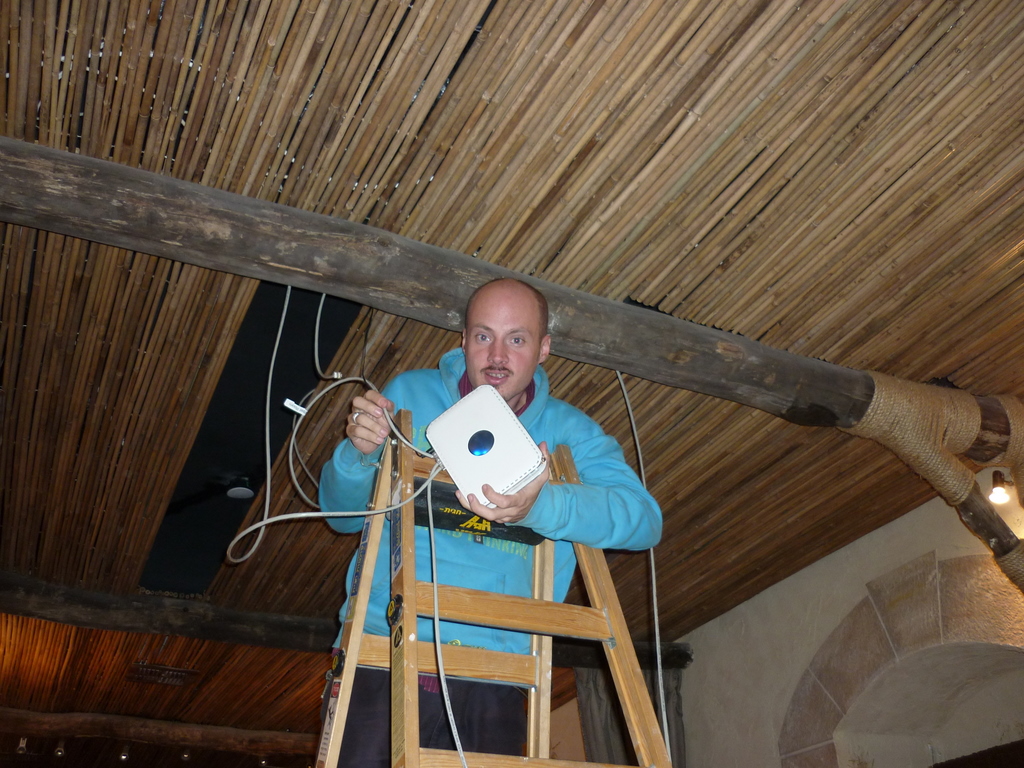
Here is the teaching room.   Its a place we have our devotions or worship in the morning and bible teaching and conferences happen here too.  The room has been modeled and furnished to look like something out of the time of Jesus.  The opposite side has a roll down screen to use with a projector.

Some of the awkward stuff is done, the chaps from the home repair team  (they fix houses of local Israelis who can’t afford to have repairs done themselves) did all the messy stuff of laying the cables under the floor of the flat above, we just needed to fasten the wiring to some sockets and configure the router 🙂

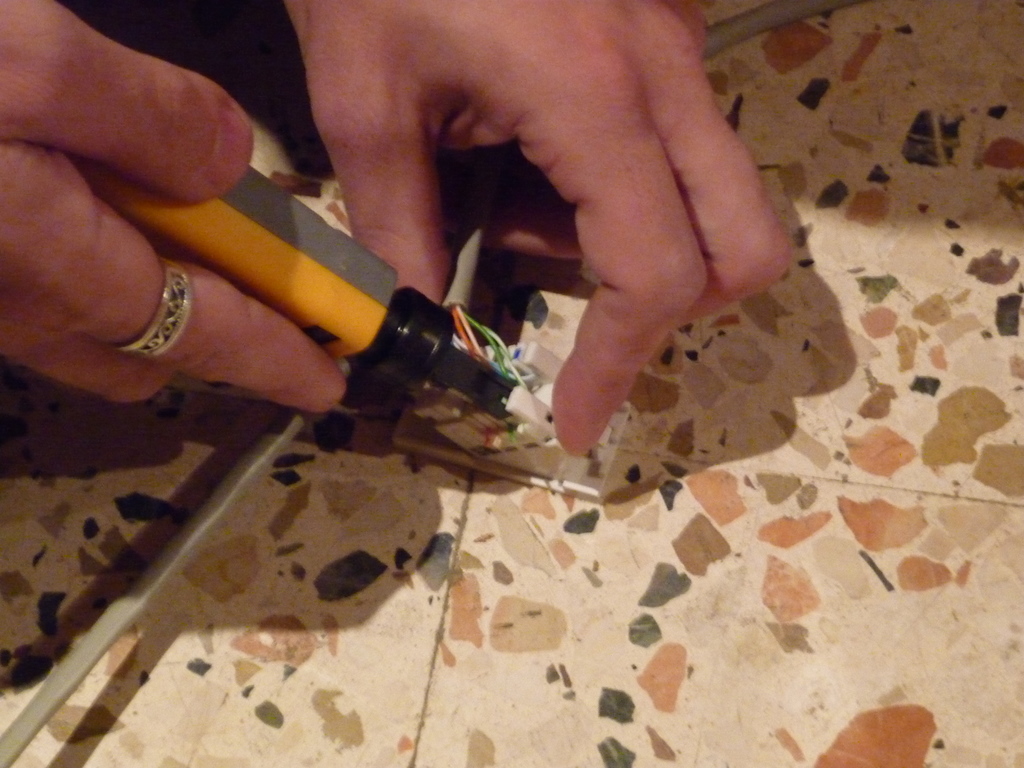
I got to learn a new skill, making network cables from scratch, using this special crimping tools to clamp on the connectors on the Cat5 network cables

In the top pictures I used this punchdown tool to fix wires the back on the network sockets which are carefully hidden behind some pillars.  My colleague Christopher used the laptop to configure the router, but had some similar problems to I had with getting IP address range correct, the router is hidden up above this bamboo ceiling, only visible up there by some faintly flickering lights.   All the technology runs transparently so our senior leadership can do presentations with a minimum of clutter.  Its not finished yet, we ran out of time to get the router settings correct.

App store for free software?

General IT wishful thinking – skip this to next article if you are not an IT person.

Following Apple’s App store for the iPhone got rolled out also for the iPad and imitated for Android and Windows phones, it seems Apple want to adopt the same methods for people buying software for Macs as well.

I personally this is a great idea, some people will still want to buy software that arrives in a box with media and documentation that they can put on a shelf they can get to if support query or a reinstall becomes necessary, but I think it would good to give the customer a choice.   Just like music can be downloaded or its nice to have a tangible item, an actual CD with artists notes, lyrics etc.

Heres an idea, what would happen if the free/open source software movement could have a online software store?

Free software as alternative to popular commercial apps can be got from sites like www.alternativeto.net or www.osalt.com, but instead of downloading an executable file, you have an automated way of doing it using a simple browser plug in.  Why?

There is a quite a bit of usability aspect which is not always factored in on some software.  Some free software, the method of downloading the app can a bit confusing.  Anyone who has downloaded a Linux ISO image knows this, you get taken to an FTP site with a whole load of confusing files, which its not easy to tell which is the download that suits you.

A lot of consumer users don’t free software as they don’t know a lot of exists.  They use Internet Explorer as that was the browser that came with their computer, and they don’t want to change anything as they don’t feel confident to do it.   Joe Consumer may often not know how ZIP or RAR files are handled or what they are for.  As an IT pro I had never heard of Virtualbox, a free virtualisation client as an alternative to VMware and Microsoft’s Virtual PC until a work colleague told me about it.  I have yet to find a really good web site that announces new and exciting developments in free software thats not just geared to coders and developers.   So essentially a typical consumer goes out to a physical shop to buy software as its too confusing working out what software is free and what is a trial version and what comes bundles with spyware and other unwanted rubbish.

I use and recommend Infrarecorder to burn CDs and DVDs on Windows PC rather than the more common commercial Nero burning suite which has got so over complicated and comes with many annoying unwanted extras which have caused crashes and stability problems in previous places I have worked for.   Infrarecorder is great as it does everything you want burning discs easily without any fuss.

You could:

1/ Have a simple way to deploy top quality free software for all type of people, via a portal which makes installing onto your computer in a standard uniform way (Windows/Mac/Linux)

2/ An option to pay some money for software thats normally free but get a support package, ie: printed manuals or training or X number of tickets or hours or professional telephone or email support with a specialist who know a lot about this app.    Or, sell extra tools to deploy apps in a large network environment, like with SMS that rolll out apps silently to each workstation.

A check box would be default only search the free software store for fullly completed release apps, unchecking the box would should beta test versions of software with a usual disclaimer that this software is not production ready yet.

More and more free software is multiple languages as well, a search engine could be customised for all languages or English only.

The software store would only have applications that follow the GNU general public licence for free software,  ie: this means nothing with spyware, bundled toolbars or other tat.   No trial versions commercial applications either.

I think this would give the open source software movement more audience from all kinds of PC users of all platforms, all abilities, consumers and businesses alike.

Jerry rigged IT and network bodging

As all IT systems admin people know, all policies, procedures should be documented, and correct stocks of tools, software, spare parts and test equipment should always be on hand.

Some call it bodging, kludging or jerry rigging, I sometimes call it redneck IT.  Just like every other trade, often you find you have to make temporary fixes or make do with some crude repairs to make some workable to get the job done, until budgets and resources allow for a better method.

Actually me and the rest of the team have done a lot of work to avoid spaghetti cabling, PCs that were falling apart and introduce safer and better methods but every now and then, you can may have to use some eccentric ways of working..
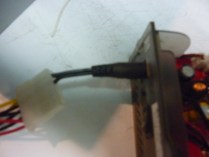

1. Power supply kludge. This USB external hard disk had its power supply lost.  I looked everyone to find it, I needed to get some work done in a hurry, so you can reuse a normal ATX PC power supply as a power supply to run anything that needs 5 or 12 volts.  To do this I used a piece of cable with barrel connector off another adapter which was not compatible.  The wires are pushed into these 4 pin disk drive connector.   Next the block connector that normally connects to a motherboard has the black and green pins shorted together with a small piece of wire to act as an on switch.   At the moment I am not using this external drive for anything important, just for backing up the contents of the below Toshiba laptop that belongs to a friend.

2. Tuna fish projector stand. (No picture) Once a month, in our foodbank we have some teaching, music and worship with all the staff and volunteers.   To make the projector display at the right angle, I normally have to grab several tins of tuna underneath to get the projector to display at the correct angle.
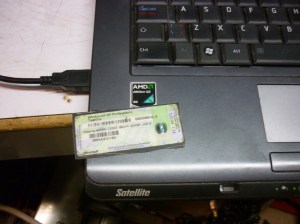
3. Reusing Windows licence key. This is my favourite IT bodge of late.  Sawing bits of plastic out of dead computers to reuse Windows licence keys.  This Toshiba laptop belongs to another volunteer and is running Vista, and is doing some odd things which Vista PCs often do and its horribly slow.   I used a recycled Windows XP licence key from another wrecked Toshiba laptop I fished out of a garbage bin last year, this just means a square piece of plastic has to be sawn out of the bottom of the scrap system.   I then tape this onto a CD case and install a genuine copy of Windows XP Pro from the CD in my collection and restore a back up of my friend’s files, along with Open Office and Firefox and some other useful apps.   Everything is much much faster and smoother now.   The recycled licence key works perfect and so does the online genuine advantage checks.   This build took a long time as Toshiba don’t offer XP drivers for this computer and took hours of Google searching to get all the right ones.

The unusual red symbols on the keyboard is because this as a Canadian keyboard and has some French specific keys.   Yes this violates the Windows licence agreement, but you can’t easily buy a new copy of Windows XP anyway.

Bye bye Compaq laptop, you served me nearly 3 years (after being retired from me previous employer) until the video card fried itself.  I have a kind person who is giving me a replacement laptop which needs some minor fixing when I get back to the UK, and most of the remains of my Compaq went to Russia, Greece, Ukraine and Czech Republic via ebay. 🙂

Of course if you have old broken laptops or PCs (in the UK or Israel) which are not worth fixing or going to get thrown out or are just sitting in a cupboard, I can make use of the parts and raise some support for my charity work in the Middle east.   Please message me if you want to help this way.  I can also rescue files off systems that won’t start in most cases and make sure all data is securely wiped.

I saw this picture on a humour site today, which made me laugh.   Reason being we actually we have a server room which is also a converted from a toilet.   It doesn’t have the pan still there, but there are still the tiles though.
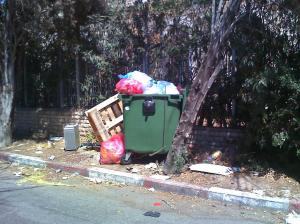
What do you do when a once hugely expensive Macintosh G5 tower system at work breaks and a new motherboard costs a bazillion shekels and has to be imported from somewhere?

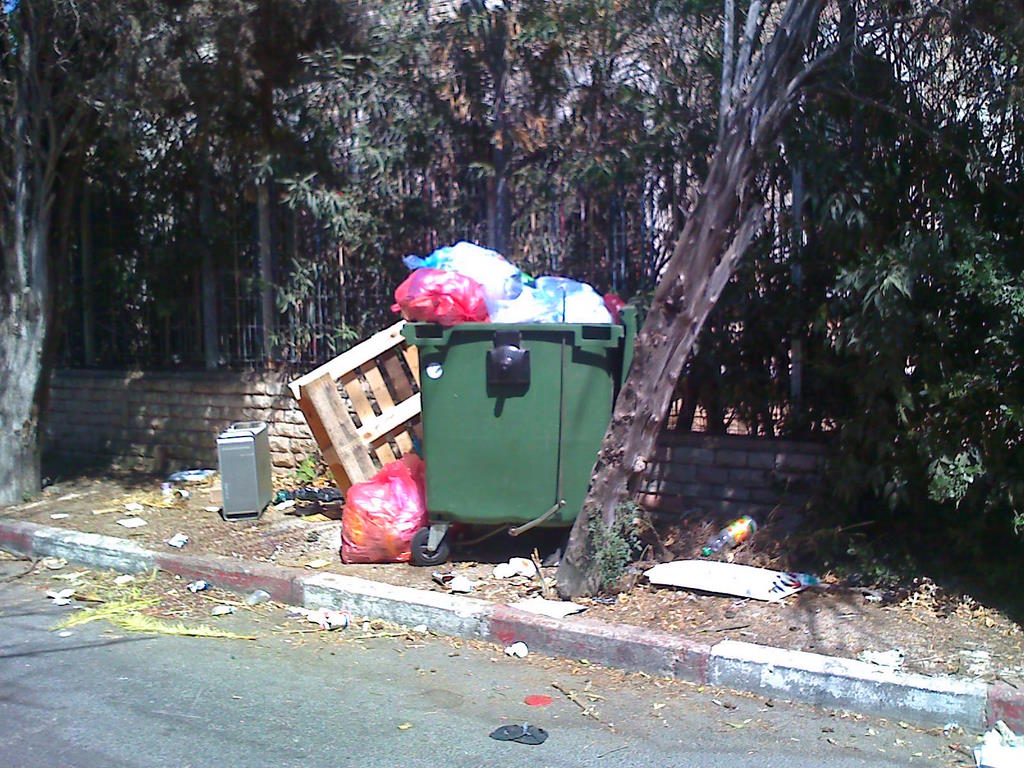
Well, after reusing the memory, hard disk and other pieces I was wondering what to do with it.   You can be completely heretical and build a new PC into the chassis of the Mac like here, but this takes a lot of craftsmanship skill to cut and file the insides to fit.   The shiny, precision made aluminum case is too pretty to throw in a bin, but my boss says it most go.   I decided to put in out on the street with a piece of paper, with ‘Free – please take!’ in the end.  When I went home from work it was gone…..

Karmiel overnight work project

Last week I had to go to our remote site in Karmiel, this required wednesday and thursday away, its a 2.5-3 hour drive away.

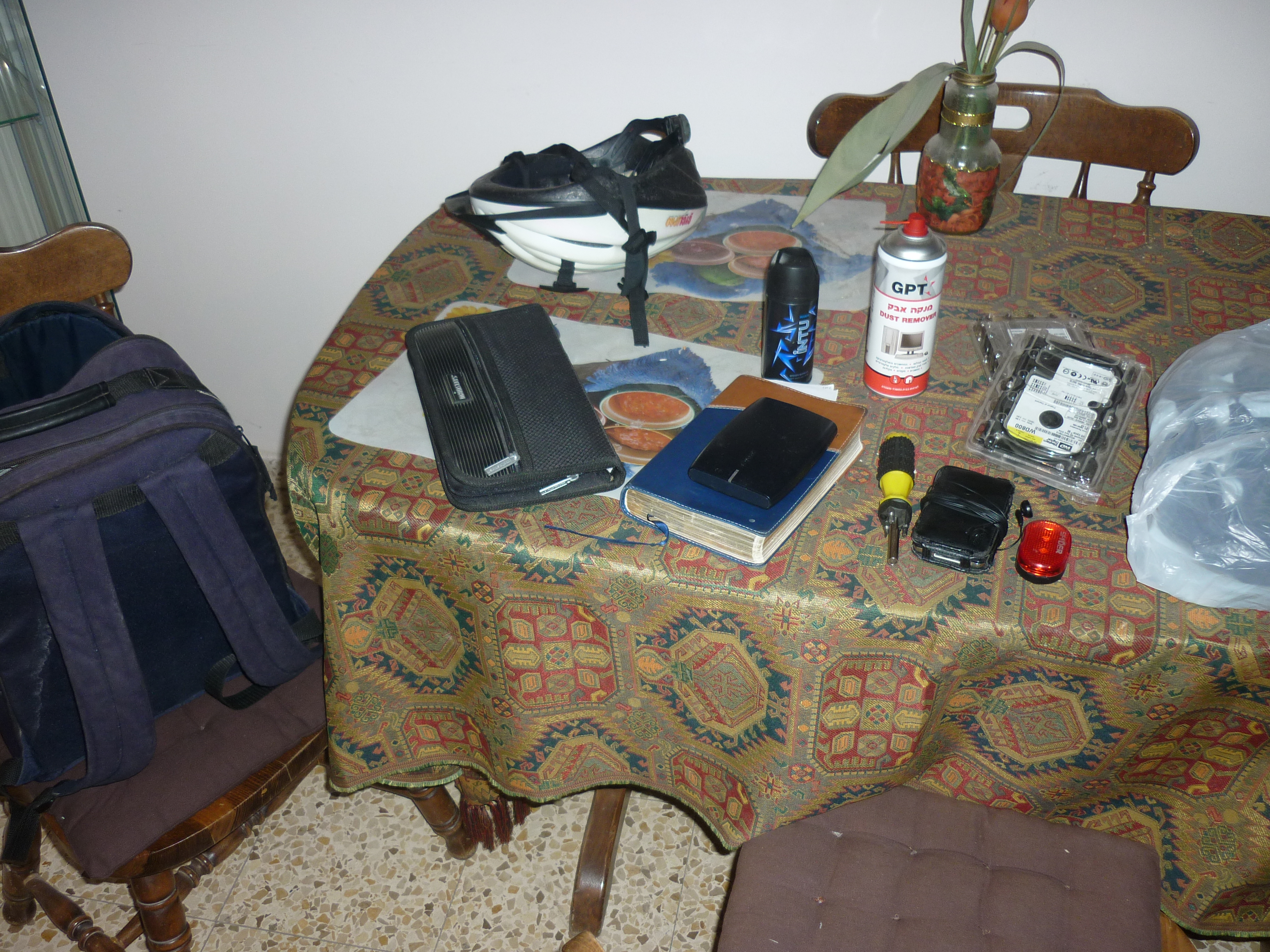
Packing stuff to take.  laptops, tools, CDs, iPod for the long bus journey, overnight bag and clothes.   Think I will make sure there are some tools and CDs already at this site, so there is less to carry in future.

Also my bike helmet and lights as I need to ride to the main station.

I didn’t get any pictures of Karmiel sadly, as when we finished work it was dark.

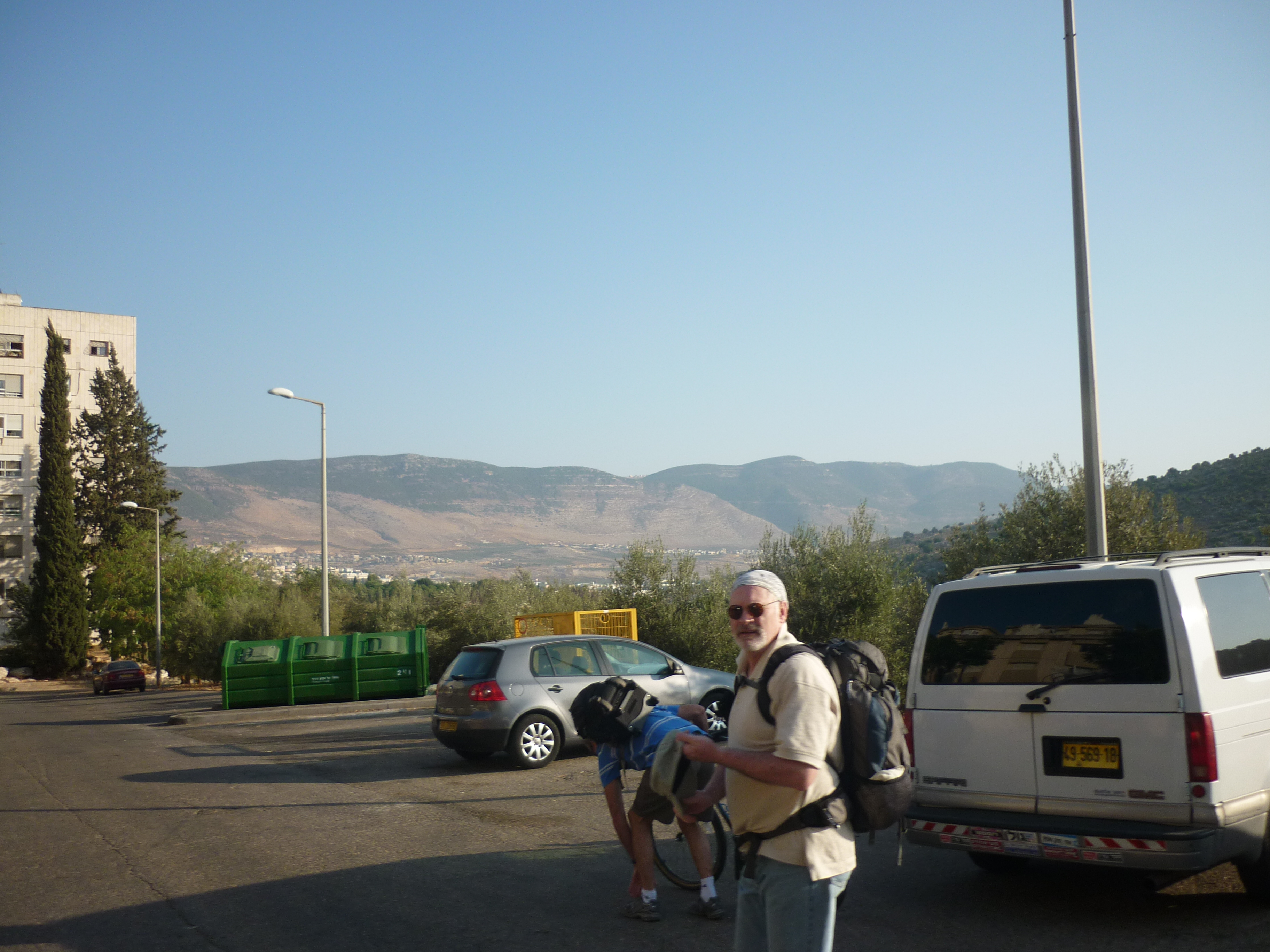
There are these amazing hills that surround this town though, as this picture I got on thursday morning before work shows.

Servers to be patched and updated, unfortunately we hit some snags that meant we need to come back and do this another time.

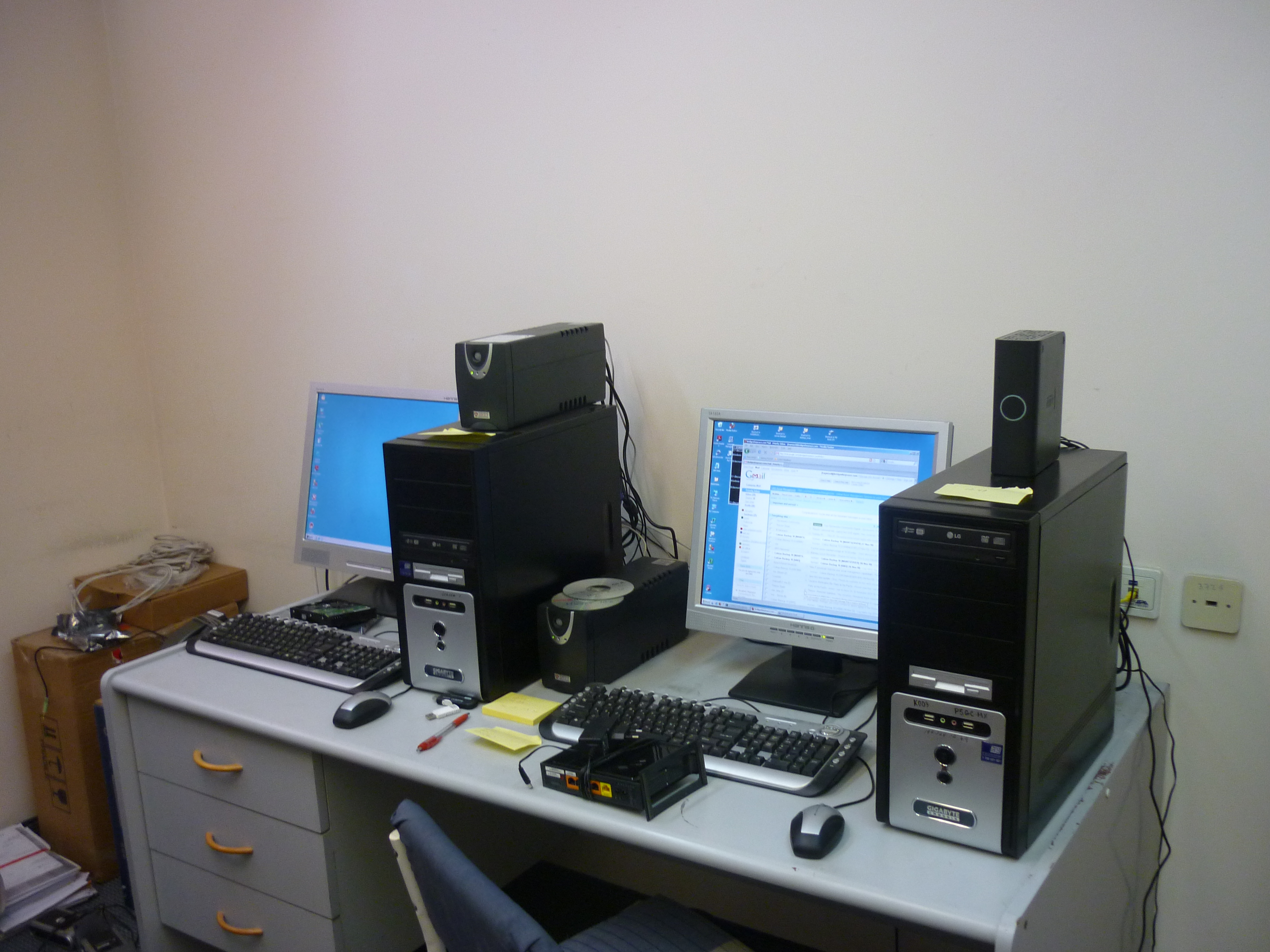
Me and my colleague got lots of small little problems done here, quickly visited a local PC store to get some cooling fans and mice to replace broken ones, and now one of the PCs no longer sounds like an elderly blender.  I managed to set up the remote software (UltraVNC) properly so we can remotely take control of systems from HQ to fix a majority of problems that may happen.   Also managed to write some more documentation and update our software licencing spreadsheet.  Some things like the wireless routers we didn’t have time for, so I took one back with me and I will configure it and have it shipped back.

All these things mean that our staff can carry on feeding poor families without being held back by technical issues.   Its always good to do preventative maintenance that will look out for IT problems than can cause far more trouble if left in the future.

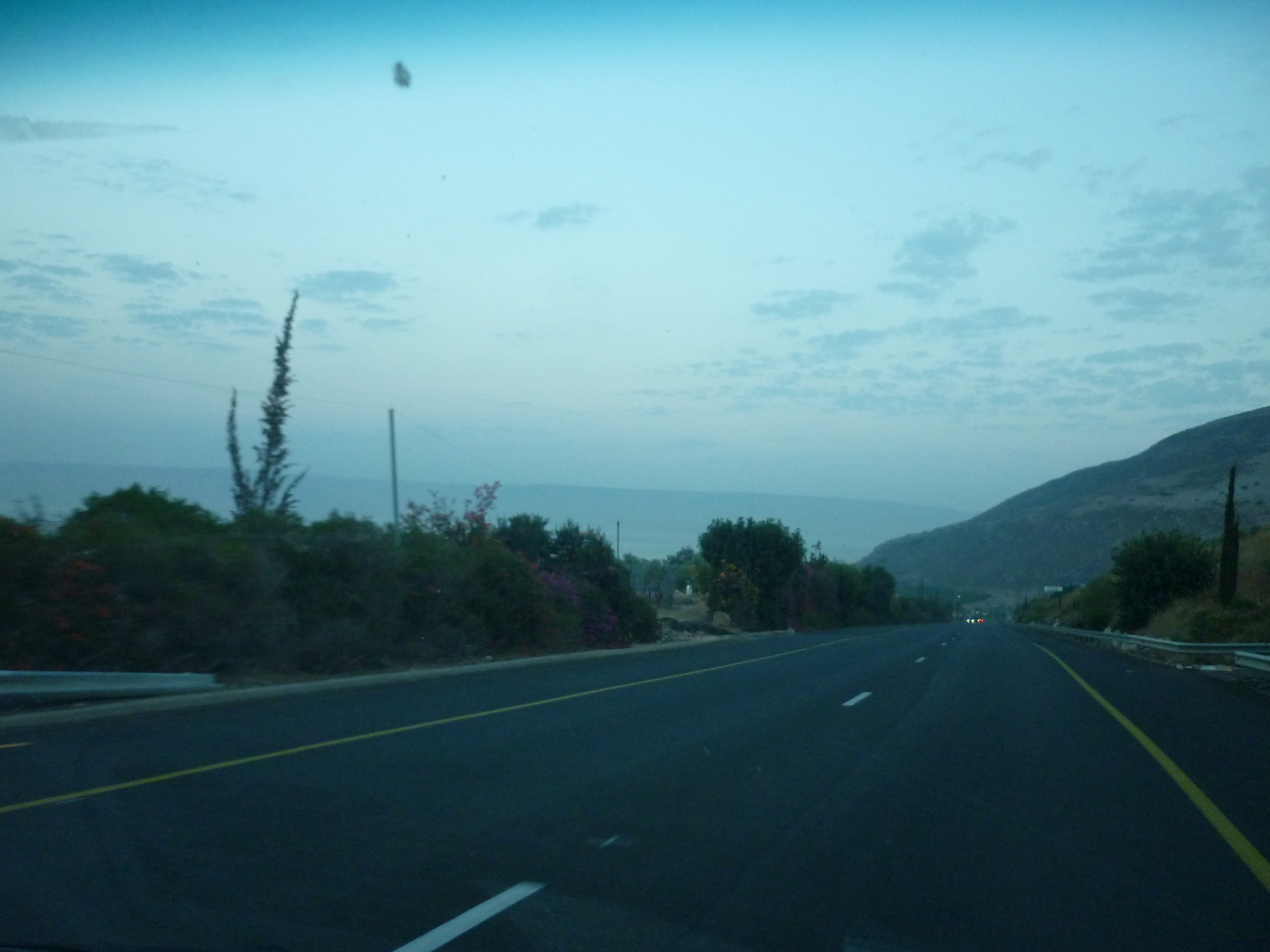
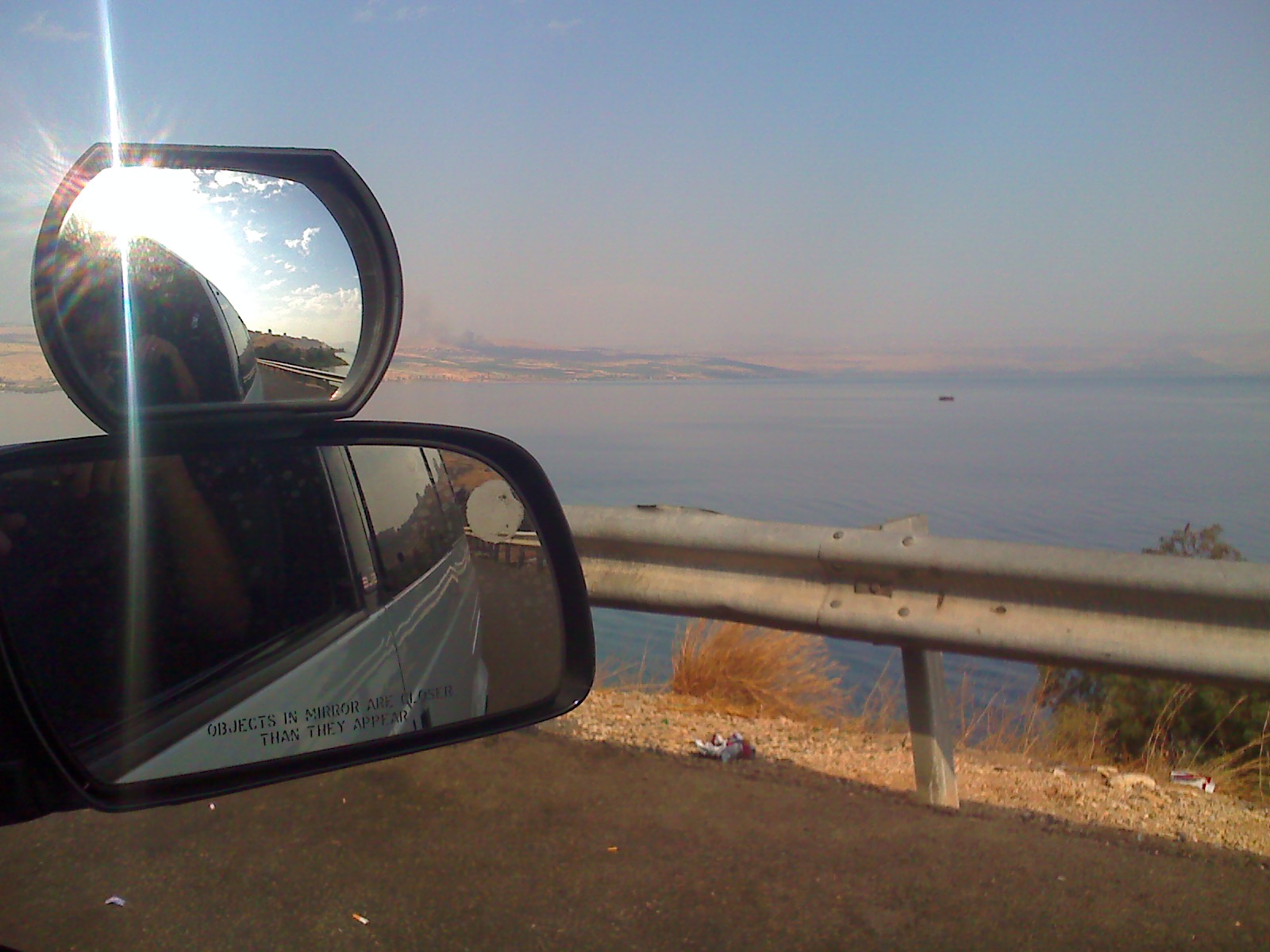
Heading back to Tiberias, its a real joy to go along these roads, the scenery is beautiful.  From Tiberias we caught the Egged bus back to Jerusalem.

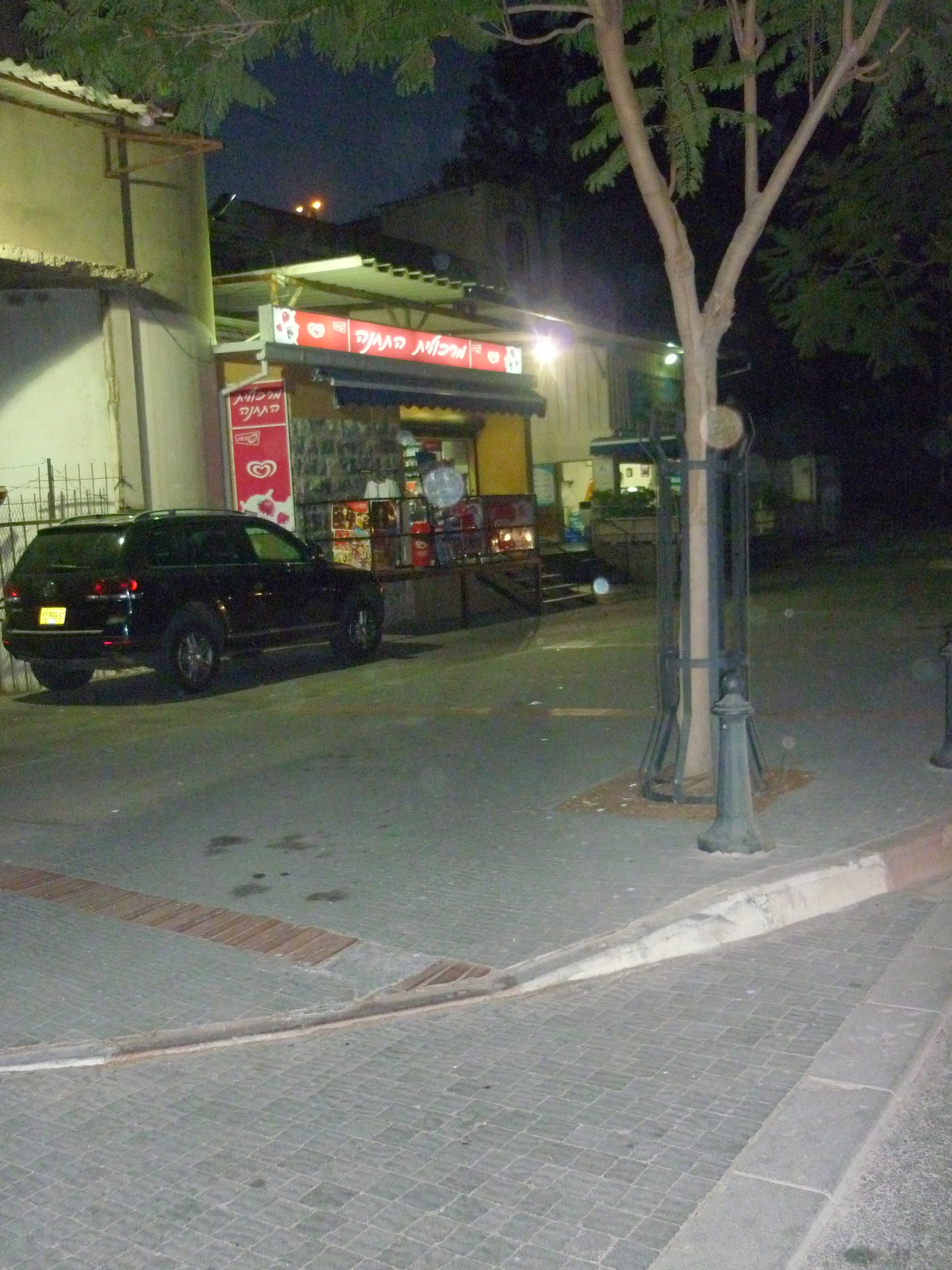
Into Tiberias, (the main city overlooking the Sea of Galilee) as traffic was hectic and it was dark once we got there.  Left: In the middle of the high street was this ruined building, but I am not sure how old it is.  I would guess Roman seeing as this city is named of a Roman leader.  Right: It may be a little hard to see past this tree, but there is a fish shop there, right opposite the sea where Jesus and his disciples used to fish.

Autumn in Jerusalem, around town and at work

This last few months has been quite a varied collection of events.

September my good friend John came down from Portsmouth, originally from Malta, John is of Armenian Jewish decent and I do admire his huge amount of energy and enthusiasm for Jesus, and Israel and the Jewish people, he stayed a few days with me and got to visit a few places and walk along the city walls amongst other things.

I also got an extra person for my department at work which means I am no longer having to look after the computer network on my own.   I also made the decision to extend my time for the second time, and I will be volunteering right into the spring of 2011 when my visa runs out.

In October I had a strange stabbing pain my chest.  I originally attributed this to a strange cold I have had for about two weeks which could of spread somehow.   This was really painful so I decided to stay home from work the next day.   I booked an appointment with the doctors which I got with 4 hours notice, which was good.   As I did mention I bruised my hands from falling off my bike, they wanted to xray me in case I had cracked a rib, although I never got any bruising or injuries to my chest.   This results of this ancient xray machine, who the lady technician told me is probably the oldest in the country proved negative.

The next day after forgetting to take my pills for this condition, I found the pain to be completely gone!   Whatever it was, its no longer there and I am really thankful to the Lord for this.

Had a sad farewell to my friend Matthew from Switzerland as he goes back to Basel, actually twice as did one party at mine and one at his, and also to Taylor, volunteer journalist from the ICEJ as she come to the end of her time here.

Have had some really nice surprises with opportunities God has opened up for me with several  Jewish friends and acquaintances who are planning to make Aliyah (immigrate to Israel) one is a friend from my home city.   It will a real honour to put them in touch with people I know that will help them get settled here.   I also have been asked to help with technical set up for a colleague’s son’s Bar Mitzvah early next yet.   All of this is confirmation that I am not meant to get back into regular secular work back in the UK just yet.

I got to go with Christopher my work colleague and a couple from Canada to see some live blues guitar music (a few articles below) and also quick visit to the Mount of Olives and Jerusalem’s biblical zoo, I will cover the zoo visit soon.

This Wednesday I am going up to our food bank warehouse in Karmiel.   This requires a stay with one of the volunteer staff up there, as its 170km bus ride.   Actually I have to get up to Tiberias and get picked up by a van driver and brought up to Karmiel.   The Wednesday afternoon and Thursday morning me and my co-worker at there there I hope to do a full back up the server and put on Windows patches, set up wireless routers and sort out a few other things.  Once I get a ride back to Tiberias, I will probably find somewhere to get dinner there before heading home.   I would dearly love to properly explore Tiberias for a few days, being the largest city in the Galilee but this will have to be another time, I only have a few weeks left here.

Work projects at the moment, include a fairly big redesign of our network to sort out the weird kinks that happen sometime, writing up documentation, replace a UPS system, source more memory for servers and a special presentation laser mouse and virtualise a few more PCs that are only used for remote VPN access.

I will probably skip going to the young adults worship event at church as I need pack for a camping trip at the weekend, not sure where it is, but staying somewhere on a beach and going to do some caving.   Looking forward to this.

Overall things are not always easy or go as planned sometimes, but life is good.

Paul Chambers in Twitter airport bomb joke trial

Theres lots of fuss about Paul Chambers who was upset about an airport who mentioned about wanting to blow the place up.   See #twitterjoketrial or #IAmSpartacus for those wanting to look up on Twitter.

http://news.cnet.com/8301-17852_3-10436629-71.html

Its true people should have freedom of speech, but in all honesty, writing things on Twitter is like wearing a hat with velcro letters stuck on it, only write things you are happy to make public.

Now a large proportion of the Twitter community are defending this chaps actions as ‘freedom of speech’    I think this is daft.  If you write something that jovial that might be misconstrued as a threat to a country’s borders in a communication medium which is public, you are really asking for trouble.

Prolific Twitter Stephen Fry has offered to pay the fine for this chap.  Seriously Stephen, when you were a comedian and actor you were terrific, but when you go on Top Gear and announce one of your favourite apps for your mobile device is for having casual Gay sex with strangers then I kind of lost respect for you.   Keeping your nasty habits to yourself please.  Plus this man seems to spend his whole life in Twitter, and where as I like Apple’s products, the clique that use them as little electronic security blankets really quite pathetic and silly.   Please Stephen, get back to good television and British wit, oh, and get back to doing another Blackadder again.

This might mean using some common sense and not updating statuses about yourself when you are upset or angry about something, do something sensible like phone up or better meet with a close friend when you want to rant about something when you have a bad day.

Big spider visitor!!

Found this photo I had from last year, from my old flat.   I was just at home in the living room, and to start with I thought this was a joke rubber insect put there by my then housemate Joshua our radio announcer and journalist from Bridges for Peace.

I decided to put my (30gb hard disk model) iPod there to gauge its epic arachnid awesomeness.

This is here not for Halloween which I disagree with, not just for its questionable Pagan connections, but that its a dumb idea to send kids to knock on doors on total strangers, but actually I actually like spiders, they eat flies and bugs that spread germs and diseases like Malaria, build (but I think only the smaller ones) webs to make their prey in a clever structure, fabricated from a super strong material they make which is completely unmatched by anything man-made today.

I dont think this one was a tarrantula, as its black and not brown.   As its about 4 inches long and its legs are so big and hairy, you can hear a tick-tick-tick noise as he walks up the door frame.

I picked him up with a newspaper and threw him the bushes outside.   I get plenty of ants and bugs in my kitchen, so as far I am concerned the spiders can munch the other insects as they like, but it had to stay outside as I had people coming round later. 🙂

Virtualising PCs using Virtualbox to make system admin easier and use less hardware

IT things, skip down a bit if not your thing 🙂

At work I have been using Virtualbox to manage virtual machines.   As an open source replacement for VMware or Microsoft’s VirtualPC I like it, its got the backing of Sun Microsystems (now owned by Oracle)  There are regular updates and active forums for support.   When I first heard of it from a colleague 3 years ago, you can literally throw almost any operating system at it, I used one of the first betas of Windows 7, various Linux distros, and things like Android, the fast becoming popular phone operating system, and all of these worked first time with very little issues.

In a nut shell, it makes a PC into multiple independent computers to run several systems at once, meaning less physical hardware to run servers, test PCs and other things.   The host (physical lump of metal) machine can be Windows, Mac or Linux.

This saves our organisation money as we have less actual hardware, patches and updates are easier manage and less power consumption and disk space used.

Each host that controls virtual machines has folders on the root of a drive as follows, with shortcuts onto the desktop:-

I wrote some documentation what I have done for work, this is not exhaustive, nor have I read much in the way of best practices for virtualisation.  But it is what has worked well for me.   At the moment I have a server which uses macros with Microsoft Excel and Outlook to process helpdesk app for our home repair team.   I didn’t create this system as there was no documentation for it, I took it off a physical PC, virtualised it and stored it safely on a dedicated server.   By stripping out unnecessary applications (Windows Media player, Adobe Acrobat etc) , it only needs about 8Gb of disk space.   I also have our SAP finance app which is on an Windows 2000 server box virtualised which made it one heck of a lot easier to apply patches and updates and do maintenance.   This week a normal Windows XP PC used by a member of staff who is the US which is only controlled by a VPN connection has been converted and stored the same way.

On the root of the drive I have made several folders on each host PC as follows:-

\live
– for real running machines currently used in production. When planning backups, these cannot be copied easily as files will be ‘locked’ as they are actively in use.
\backups
– Copies of critical virtual machines before making any changes. In the event of a change or update breaks the configuration, you can revert back to a previous build.   Make this folder sharable over the network.
\nonproduction
– VMs used for experimental use.  These don’t need to be backed up.
\isos
– copies of CDs, operating system media, service packs, etc. Instead of needing physical media inside the host, these come in handy, as you can do changes to the host remotely with VNC or Remote desktop (RDP)  and grab the CD you want from here.

Best settings for typical configuration

  • Use modern hardware for your host.   You should have a PC with a dual core processor which support hardware assisted virtualisation, Intel and AMD’s recent chips do this.   You should have at the very least 2Gb of RAM, preferably 4, and a mirrored disk RAID array where you VMs are going to sit, as a safety net in case of one disk fails.   Below make sure VT-x/AMD-V is ticked if you do have the one of the newest Intel/AMD cpus that support it.  It will work without this, but this is definitely recommended to have decent hardware.
  • OS for the host.   I am using plain old Windows XP (32 bit, with SP3) as a host, this isn’t ideal for several reasons.   You can’t run 64 bit guests, such as Vista, 7 and all recent Linux distros have 64 bit versions.  Secondly, standard plain-jane XP only can cope with a maximum of 3.5Gb of memory, so if you have 4Gb or more, the extra memory is redundant.   We don’t have licences for any other OS to be used as a host, and I don’t know enough about Linux to do system administration this way, but for those who do, it would be a good plan.
  • Disable sound, USB, floppy drive, serial port, support, etc you are unlikely to need these.
  • Once the Virtual machine has booted, install the guest addons.   This is a clever set of drivers that let the VM integrate well with the guest environment, you get proper video card drivers, mouse pointer will work seamlessly with the host.
  • Make sure you set network card settings to bridged (default choice is NAT)   If you don’t do this, the network card doesn’t work properly, and after I switched the setting from NAT to Bridged it still didn’t work, so I ended up building a new VM.
  • Disable the blue/green Windows XP trim on both VMs running Windows XP and the hosts, this boosts performance.   To do this:- goto control panel / system /  advanced / tick box for best performance / ok.
  • Install only the bare essential applications on the host.   My host, just has AVG antivirus, Infrarecorder, (CD burning) VNC and latest RDP for remote access, Internet Explorer 8 (This PC is not used for web browsing, its there as part of the updates)    I purposely left out things like Adobe Acrobat, as it will mean another set of updates to worry about.
  • Use a specific IP range for your VMs, I choose 192.168.x.90-99.
  • Put a second network card in your host, you can make your VMs work choose which network card to use (upto 4)  as I have found today, one network connection stretches things, when you have a dedicated finance server and another PC which requires a user to use remote VPN connection to it, which kept dropping.   Today, I took the server down and put an extra NIC card and directed the remote user’s VM to this.

Known issues and risks

  • When changing settings on a virtual machine, consider this like a real PC, the VM must be shut down for any changes made in configuration.   Changes to memory, disks, etc cannot be done whilst the VM is running.
  • Make sure your host does not have Windows updates on automatic.   Otherwise unexpected reboots to the host will happen when patches get rolled out.
  • When installing Virtualbox, the installation will add and extra virtual network card to the host system, it will also temporarly break network connectivity on the main network card you are using, normally RDP will attempt to reconnect soon after.   Tip! Download and install the latest version of RDP, there is a new version Microsoft released with Win7, this works happily with XP, and has some improvements on this old version. 🙂
  • Some legacy operating systems (or at least if they are converted from physical to virtual) may hang upon boot up. With Windows 2000 Server I built you need to tick the box for IO APIC.
  • When rebooting some VMs, you may experience a system hang with green stripes, you need to manually restart the VM. This does not impact the VM or damage any system files, but just remember if you remotely reboot that system you might need to manually reboot.  Since I moved from 3.2.8 to 3.2.10 this problem seems to have gone I think.
  • Dont be too enthusiastic to indiscriminately install a new version of Virtualbox without making careful back ups of your VMs. Be prepared for possible problems, seeing as many Virtualbox users have said their VMs failed to boot or crashed if a new version of Virtualbox was installed, due to differences in the way it handles the virtual hardware.
  • The feature that suspend VMs (click the X in the corner, there is an option to send shutdown signal, force a shutdown or suspend a VM) seems to give an odd issue that slows the clock down. This could cause some odd side effects with important servers, so I suggest not using this.

This set up works well for a smaller organisation like us, feel free to comment if you have questions.

One thing I would like to ask, and that if anyone can recommend an app I can run on my host, to monitor network, memory, CPU and hard disk space to make sure I don’t overtax my server with too many tasks.